
A cluttered desk can quietly drain focus, strain posture, and slow progress—especially during typing practice and digital learning. Ergonomics and minimalism work together to create an environment where the body feels supported and the mind stays clear. When distractions are removed and essentials are thoughtfully arranged, learners can type longer, more accurately, and with less fatigue.
A minimalist desk isn’t about owning less for the sake of aesthetics. It’s about intentional design that supports comfort, efficiency, and sustained attention. For typing-focused learners, this kind of setup can make a measurable difference in speed, accuracy, and overall learning experience.
Why Ergonomics and Minimalism Work Together

Ergonomics focuses on how the body interacts with its environment. Minimalism focuses on removing what isn’t necessary. Together, they create a workspace that reduces physical strain and mental overload.
When a desk is crowded with unused items, the brain constantly processes visual noise. This can increase stress and make it harder to concentrate on tasks like typing drills or written exercises. A clean, intentional setup supports proper typing posture and alignment, allowing learners to focus on technique rather than discomfort.
Ergonomic alignment begins with the basics. A chair that supports the lower back, a desk at the correct height, and a monitor positioned at eye level help prevent neck and shoulder tension. For typing, the keyboard should sit at a height that allows elbows to rest comfortably at the sides, with wrists neutral rather than bent.
Minimalism reinforces these principles by limiting the desk to what’s actively needed. When only essential tools are visible—keyboard, mouse, screen, and perhaps a notebook—attention naturally stays on the task. This is especially valuable during digital learning sessions that require repetition and sustained focus.
Typing is a skill built over time. If discomfort or distraction interrupts practice, progress slows. An ergonomic, minimalist desk removes unnecessary friction, making it easier to show up consistently and practice with intention.
Master Typing & Digital Skills with Typesy!
Go beyond keyboarding—Typesy helps you boost digital literacy, productivity, and efficiency in today’s tech-driven world.



Designing a Desk That Supports Focused Typing
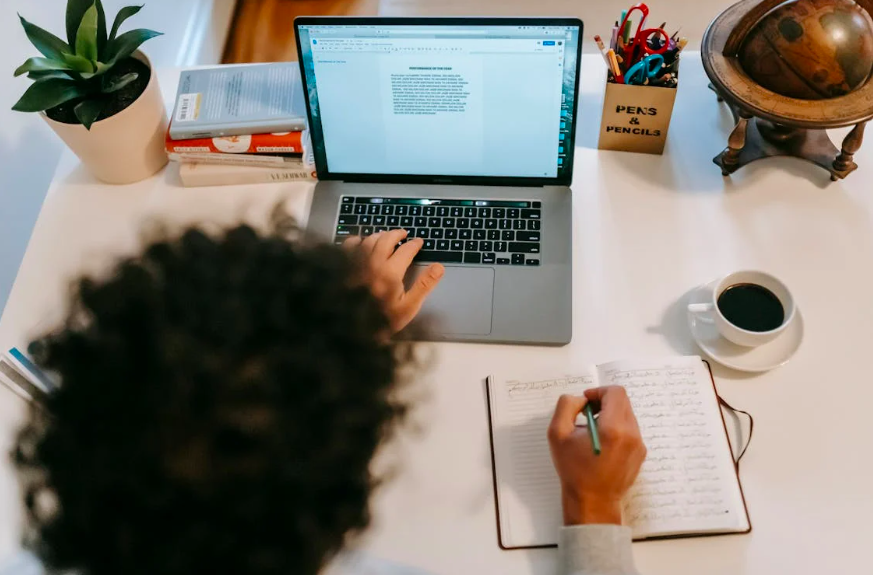
Creating a minimalist desk starts with clearing the surface completely. From there, add items back one at a time, asking whether each one directly supports learning or typing. If it doesn’t, it likely belongs elsewhere.
The keyboard is the centerpiece of a typing-focused desk. Choose one that feels comfortable and responsive, and position it so hands can move freely without strain. Pair it with a mouse that fits the hand well to reduce tension during longer sessions.
Screen placement matters just as much. A monitor that’s too low or too high can cause neck strain, pulling attention away from the work. Keeping the screen at eye level supports focused digital learning environments, where physical comfort enables mental clarity.
Lighting is another key factor. Natural light is ideal, but a soft desk lamp can reduce eye strain when working in the evening. Avoid harsh overhead lighting or screen glare, both of which can lead to fatigue during typing practice.
Cable management and storage play a surprisingly important role in focus. Tangled cords and scattered accessories add visual clutter. Using simple organizers or drawers keeps the surface clean and reinforces the sense of order that minimalism provides.
Minimalism also extends to digital habits. A clean desktop, limited open tabs, and notifications turned off complement the physical workspace. Together, these choices encourage healthy computer use habits that protect both focus and well-being.
Finally, remember that a minimalist desk is not static. It should evolve with the learner’s needs. Regularly reassessing what belongs on the desk helps maintain an environment that supports growth rather than distraction.
An ergonomic, minimalist desk doesn’t just look calm—it feels calm. For learners working to improve typing skills and digital efficiency, that calm translates into better posture, sharper focus, and more productive practice sessions.
Not on Typesy Yet? You're Missing Out!
Master typing, boost productivity, and enhance digital literacy with Typesy—the leading platform for adaptive and engaging typing education. Whether you're an individual learner, a homeschool educator, or managing a classroom, Typesy has the perfect solution for you!
Choose Your Ideal Experience:
 Get Started with Typesy Today! – Transform the way you learn and teach typing!