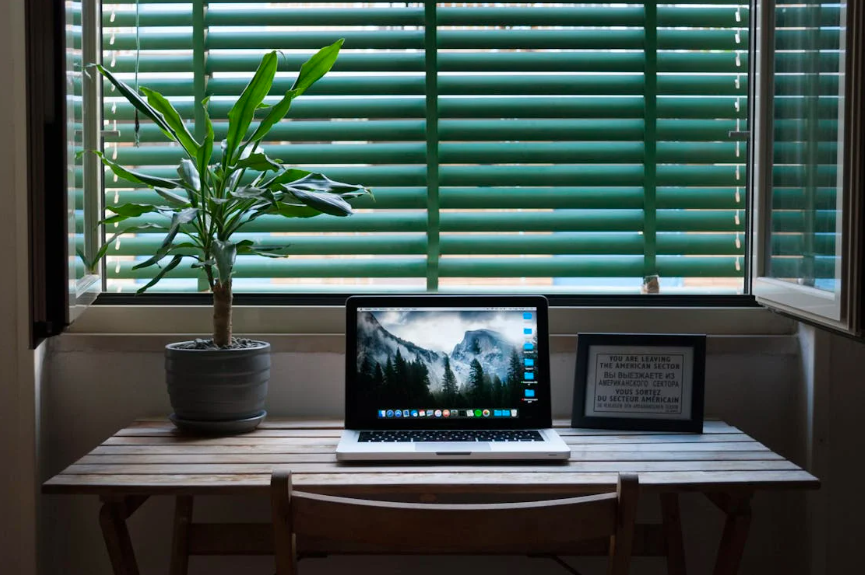
Living in a dorm or apartment often means learning how to do more with less. Limited square footage can make it challenging to create a comfortable workspace, especially for students and remote learners who spend hours typing, studying, or attending virtual classes. The good news is that with thoughtful ergonomic choices, even the smallest space can support productivity, focus, and healthy typing habits.
A well-designed compact desk setup isn’t about squeezing in furniture—it’s about creating balance. When your workspace fits your body and your routine, you reduce strain, stay organized, and make typing and digital learning more enjoyable.
Why Ergonomics Matter in Small Spaces
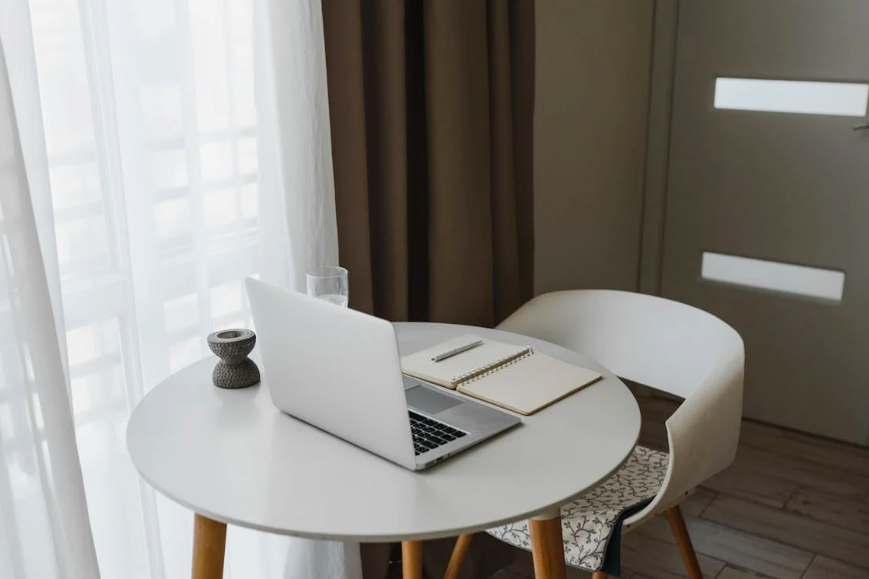
Ergonomics is the science of designing environments that support how the body naturally moves. In small spaces, poor ergonomics can sneak in easily—think cramped desks, awkward chair heights, or laptops balanced on beds. Over time, these setups can lead to discomfort, fatigue, and inefficient typing.
For students, typing is a daily activity. Whether drafting essays, participating in online discussions, or practicing keyboarding skills, posture and setup matter. A compact desk that supports healthy typing posture helps keep wrists neutral, shoulders relaxed, and eyes level with the screen. This not only reduces strain but also improves typing speed and accuracy.
Small-space ergonomics also encourage better focus. When everything has a purpose and a place, distractions are minimized. A desk that fits neatly into a corner or along a wall creates a mental boundary between work and rest, which is especially important in shared or multi-use rooms.
Ergonomic solutions don’t have to be expensive or bulky. Foldable desks, wall-mounted surfaces, and slim-profile chairs are designed specifically for tight spaces. The goal is to create enough room for essential tools—keyboard, mouse, screen, and notebook—without overcrowding.
Master Typing & Digital Skills with Typesy!
Go beyond keyboarding—Typesy helps you boost digital literacy, productivity, and efficiency in today’s tech-driven world.



Smart Desk Solutions for Dorms and Apartments

When space is limited, versatility is key. Compact desks with built-in shelves or drawers help keep supplies organized without adding extra furniture. Vertical storage—like monitor risers with compartments—frees up desk surface while keeping screens at eye level.
Adjustability is another important factor. If possible, choose a desk or chair with adjustable height. This allows you to fine-tune your setup for typing comfort, even if the desk itself is small. Pairing a compact desk with an external keyboard can dramatically improve ergonomics for laptop users.
Lighting plays a bigger role than many people realize. Proper task lighting reduces eye strain and supports longer typing sessions. A slim desk lamp with adjustable brightness fits easily into small setups and improves overall comfort.
Cable management is often overlooked but essential in tight spaces. Tangled cords not only look messy but also limit usable space. Simple cable clips or sleeves help maintain a distraction-free digital workspace, making it easier to focus on learning tasks.
Storage solutions should support, not crowd, your workflow. Use wall hooks, pegboards, or floating shelves to store headphones, bags, or reference materials. This keeps the desk clear for typing practice and study sessions.
It’s also important to think about digital ergonomics. Screen placement, font size, and keyboard layout all affect comfort. Encouraging students to take short breaks and adjust their setup reinforces ergonomic habits for digital learners that extend beyond the desk itself.
Finally, personalization matters. Even in small spaces, adding a plant, photo, or motivational note can make the workspace inviting. When students enjoy their environment, they’re more likely to sit down, practice typing, and stay engaged with their learning goals.
Compact living doesn’t have to mean compromised comfort. With intentional choices, small desks can support big learning outcomes. By prioritizing ergonomics, organization, and typing-friendly setups, students can transform even the smallest corner into a productive digital workspace.
Not on Typesy Yet? You're Missing Out!
Master typing, boost productivity, and enhance digital literacy with Typesy—the leading platform for adaptive and engaging typing education. Whether you're an individual learner, a homeschool educator, or managing a classroom, Typesy has the perfect solution for you!
Choose Your Ideal Experience:
 Get Started with Typesy Today! – Transform the way you learn and teach typing!