
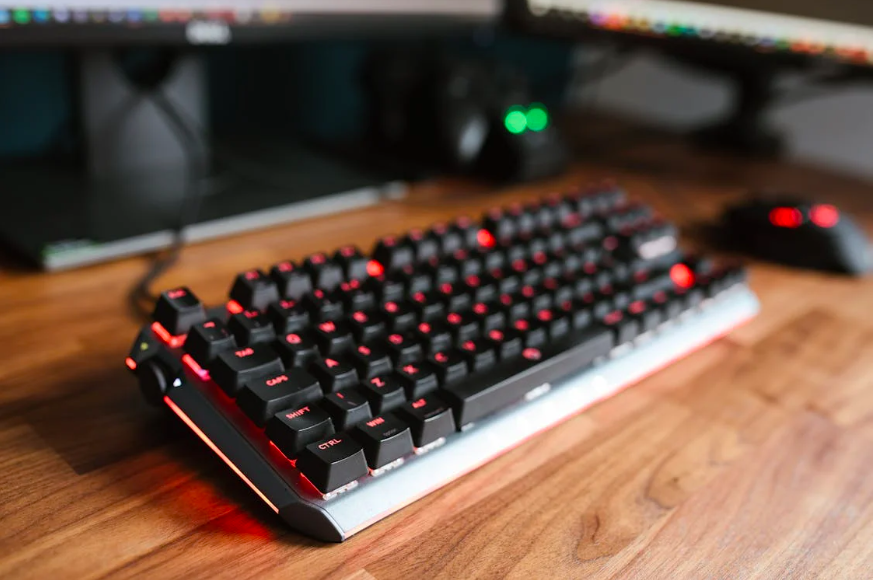
Transitioning from a laptop keyboard to a mechanical keyboard can feel exciting—and a little intimidating. Mechanical keyboards are known for durability, customization, and tactile feedback, but the change in feel can temporarily disrupt your typing flow. With the right approach, however, this transition can be smooth, confidence-building, and even improve your long-term typing performance.
Whether you’re a student, professional, or lifelong learner, understanding how to adapt your typing habits is key to making the most of your new setup.
Understanding the Differences Before You Type
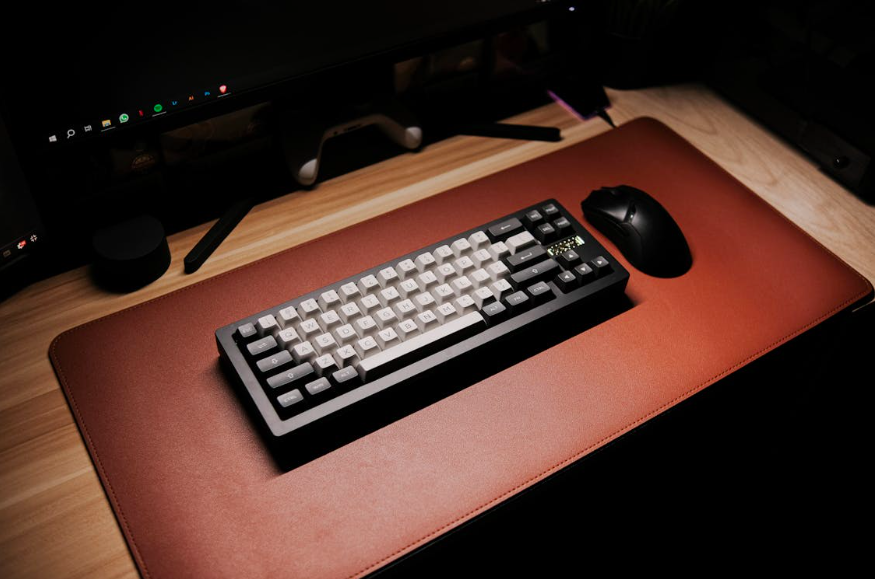
Laptop keyboards are designed for portability. They typically have shallow key travel, low resistance, and compact spacing. Mechanical keyboards, on the other hand, feature deeper key travel, individual mechanical switches, and more pronounced feedback. These differences directly affect how your fingers move and how much force you apply when typing.
One of the most noticeable changes is key travel distance. Mechanical keys require a slightly longer press, which can initially slow down your speed. This isn’t a setback—it’s part of retraining muscle memory. Over time, deeper travel can actually reduce accidental keystrokes and improve accuracy.
Another difference is auditory and tactile feedback. Some switches provide a noticeable “click,” while others are smooth and quiet. This feedback helps many typists develop rhythm and consistency, but it can feel distracting at first. Paying attention to your posture and hand position helps you stay relaxed as you adjust.
This is a great moment to revisit proper typing posture and ergonomics. Mechanical keyboards are often taller than laptop keyboards, so wrist angle matters. Adjusting chair height or using a slight keyboard tilt can prevent strain and support healthy typing habits from the start.
It’s also important to reset expectations. Your typing speed may dip temporarily—and that’s normal. The goal during the first phase isn’t speed, but control and comfort.
Master Typing & Digital Skills with Typesy!
Go beyond keyboarding—Typesy helps you boost digital literacy, productivity, and efficiency in today’s tech-driven world.



Step-by-Step Strategies for a Smooth Transition
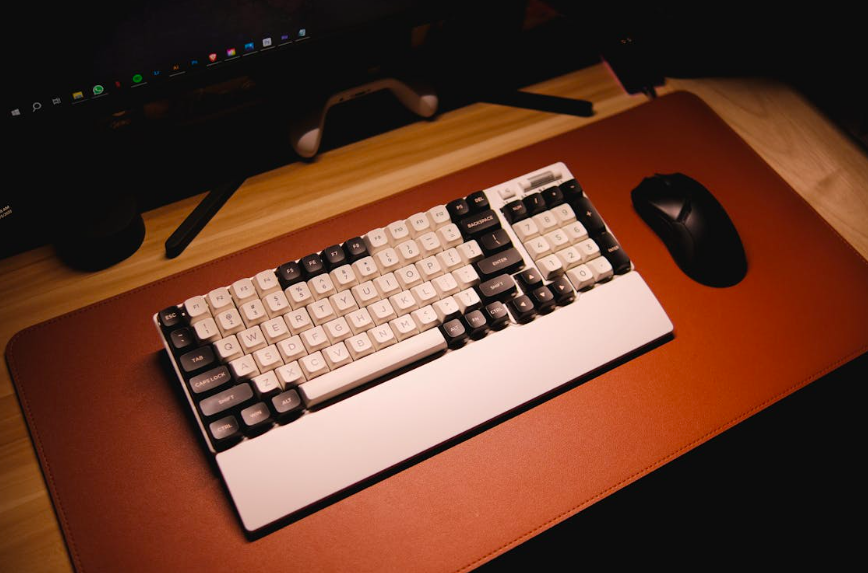
The best way to adapt to a mechanical keyboard is gradual, intentional practice. Start with short typing sessions focused on accuracy rather than output. Simple drills, journaling, or warm-up exercises allow your fingers to adjust without pressure.
One effective strategy is slowing down on purpose. Typing deliberately helps your brain recalibrate finger movement and force. Over time, your speed will return naturally, often with fewer errors than before. This process strengthens typing muscle memory retraining, a crucial step when switching hardware.
Pay close attention to errors. Mechanical keyboards can reveal habits that laptop keyboards masked, such as bottoming out keys too forcefully or relying on visual confirmation instead of touch. Identifying these habits early allows you to correct them before they become ingrained.
Customizing your keyboard can also ease the transition. Many mechanical keyboards allow you to adjust keycaps, layouts, or even switch types. Finding a setup that feels comfortable makes practice more enjoyable and sustainable.
Consistency matters more than duration. Ten to fifteen minutes of focused typing practice each day is more effective than occasional long sessions. This approach reduces fatigue and reinforces learning without overwhelming your hands or mind.
Typing is more than a physical skill—it’s a core digital competency. Efficient typing frees cognitive energy for problem-solving, creativity, and communication. As you adapt to a mechanical keyboard, you’re not just changing tools—you’re strengthening digital learning efficiency that supports everything from studying to professional work.
Finally, be patient with yourself. Transitions take time, and progress often comes in small increments. Celebrate improvements in comfort, accuracy, and confidence, even before speed fully rebounds.
Mechanical keyboards are powerful tools, but they shine brightest when paired with strong typing fundamentals. With mindful practice and supportive strategies, your new keyboard can become an asset—not an obstacle—on your digital learning journey.
Not on Typesy Yet? You're Missing Out!
Master typing, boost productivity, and enhance digital literacy with Typesy—the leading platform for adaptive and engaging typing education. Whether you're an individual learner, a homeschool educator, or managing a classroom, Typesy has the perfect solution for you!
Choose Your Ideal Experience:
 Get Started with Typesy Today! – Transform the way you learn and teach typing!
