
Staying focused during typing practice can feel harder than ever. With constant notifications, multitasking pressure, and endless digital noise, it’s easy for your attention to scatter. Creating a distraction-free environment isn’t just about being disciplined—it’s about setting up systems that support deep focus, smoother skill-building, and consistent progress.
In this guide, we’ll explore practical ways to create a digital space that strengthens your typing workflow while keeping interruptions to a minimum.
Why a Clean Digital Space Matters

A distraction-free environment isn’t simply about removing noise—it’s about making room for better learning. When you’re practicing typing, your mind needs space to work on muscle memory, rhythm, and accuracy. A calm digital workspace helps you build those habits more efficiently.
Start by simplifying your setup. Close unnecessary tabs, organize your desktop, and set your browser to open with only the tools you need. Even small changes make a difference, like adjusting your display to reduce visual clutter or keeping your practice window centered and at full size.
It also helps to build intentional routines. Choose a consistent practice schedule and keep your typing exercises in the same digital space every time. This repetition strengthens your brain’s association between your environment and focused work.
Master Typing & Digital Skills with Typesy!
Go beyond keyboarding—Typesy helps you boost digital literacy, productivity, and efficiency in today’s tech-driven world.



But creating a distraction-free setup goes beyond your screen. You also need to manage your digital behaviors. Consider turning off auto-play on websites, limiting open apps, or disabling notifications during practice. These simple habits protect your focus and help you gradually increase your sustained attention span.
Even your browser extensions matter. Ad blockers, minimalist new-tab pages, and focus timers can all reinforce a smoother typing workflow. Over time, your digital setup becomes a quiet, supportive environment where you can concentrate on building speed and accuracy.
Strategies to Protect Focus While Practicing Typing

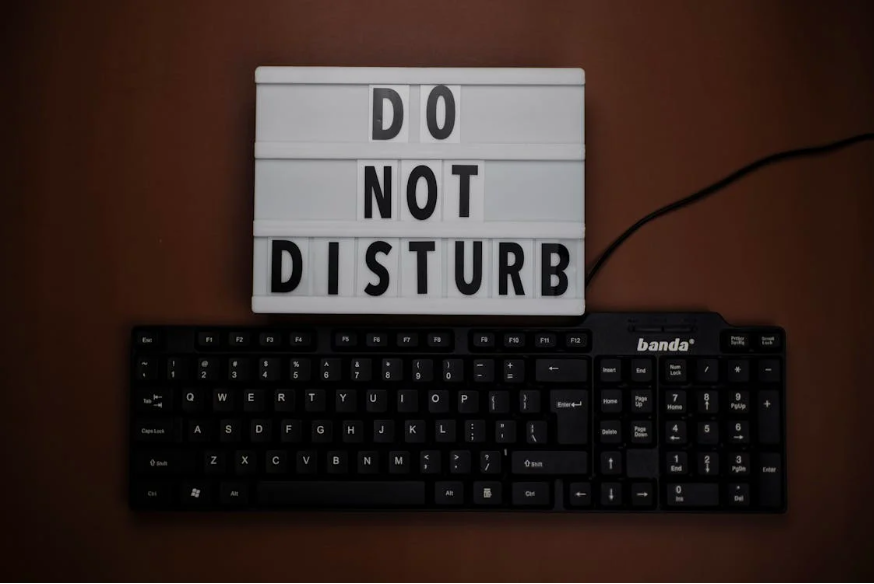
One of the most effective ways to stay focused is to control how and when you receive information. Set your devices to “Do Not Disturb” during practice. This blocks alerts that can interrupt your rhythm and slow your progress. If you use multiple devices, ensure all of them follow the same quiet rules.
Next, establish boundaries for your workspace. If you’re using a shared computer or a family device, let others know your practice schedule. You can also create a separate user profile dedicated to learning. With fewer apps logged in and fewer distractions visible, you’ll find it easier to dive into practice quickly.
Ergonomics also play a role in maintaining focus. A well-organized desk, proper chair height, and an uncluttered keyboard space reduce physical strain, allowing your mind to stay centered on typing technique rather than discomfort.
Another helpful habit is to set clear practice goals. Instead of simply “doing a quick session,” identify whether you’re working on accuracy, speed, or posture. Intentional practice keeps your mind engaged and reduces the chance of wandering attention.
To reinforce long-term consistency, review your progress regularly. Seeing improvement motivates you to return, and consistent practice strengthens both technical skill and cognitive endurance.
Finally, make sure your digital literacy supports your workflow. Understanding how to manage your device, apps, and browser tools increases your control over your learning environment. This is the foundation of staying productive and focused.
Not on Typesy Yet? You're Missing Out!
Master typing, boost productivity, and enhance digital literacy with Typesy—the leading platform for adaptive and engaging typing education. Whether you're an individual learner, a homeschool educator, or managing a classroom, Typesy has the perfect solution for you!
Choose Your Ideal Experience:
 Get Started with Typesy Today! – Transform the way you learn and teach typing!
