
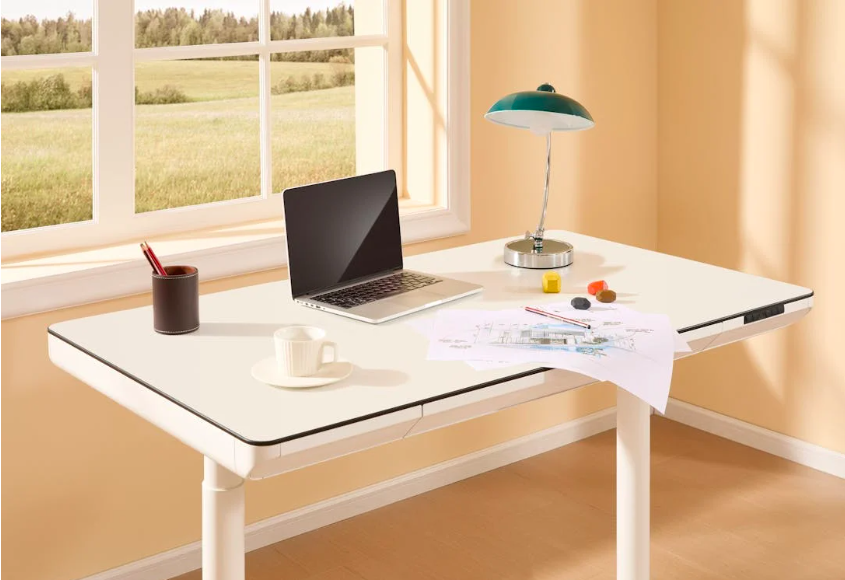
When people try to improve their typing speed, they usually focus on practice. They work on finger placement, accuracy drills, and typing exercises designed to build muscle memory.
But one factor is often overlooked: desk height.
The height of your desk can significantly affect both typing speed and accuracy. If your workstation isn’t set up correctly, your hands, wrists, and arms may work harder than necessary. Over time, this can slow down typing performance and lead to unnecessary fatigue.
Understanding how desk height influences typing ergonomics can help learners create a more comfortable and efficient workspace.
Why Desk Height Matters for Typing
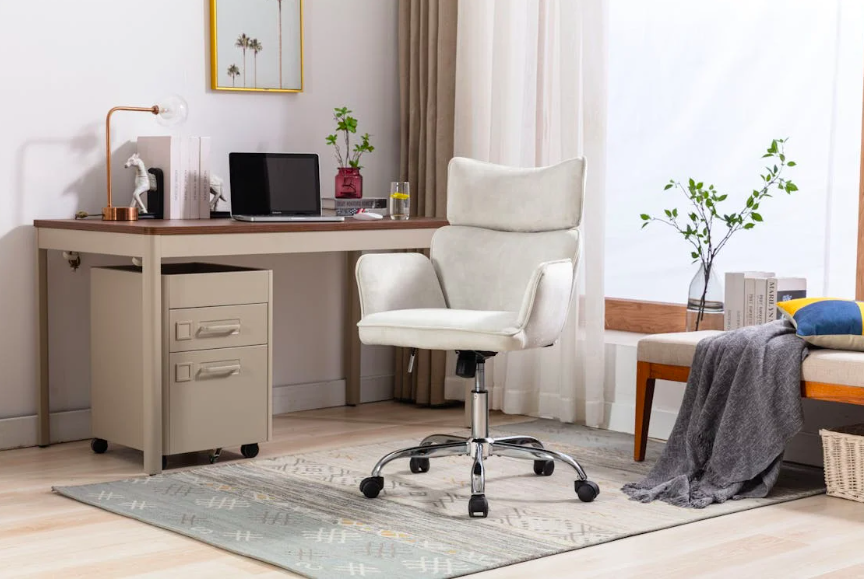
Typing is a physical skill. Although it may seem like a purely digital activity, it depends heavily on the coordination of muscles in the hands, wrists, arms, shoulders, and even the back.
When desk height is not properly adjusted, this coordination becomes more difficult.
If the desk is too high, the shoulders may lift upward while typing. This creates tension in the neck and upper back, making it harder to maintain a relaxed typing posture. As fatigue builds, typing movements become less precise.
If the desk is too low, the wrists may bend downward or rest heavily on the surface. This position can restrict finger movement and slow typing speed.
In both cases, small physical adjustments in posture can disrupt typing rhythm. Instead of allowing fingers to move freely across the keyboard, the body compensates for the uncomfortable position.
Maintaining proper keyboard ergonomics helps prevent these issues. Ideally, the keyboard should sit at a height where your elbows rest at about a 90-degree angle and your wrists remain in a neutral position.
Another benefit of correct desk height is improved focus. When your body feels comfortable, you are less likely to become distracted by discomfort or fatigue during longer typing sessions.
This becomes especially important when learners are practicing touch typing skills. Consistent finger movements require a stable and relaxed posture. A well-adjusted desk allows the hands to move naturally, which helps reinforce muscle memory.
In addition, good posture supports long-term typing development. When the body remains properly aligned, learners can practice longer without strain, which leads to steadier improvement over time.
Master Typing & Digital Skills with Typesy!
Go beyond keyboarding—Typesy helps you boost digital literacy, productivity, and efficiency in today’s tech-driven world.



Creating a Workspace That Supports Speed and Accuracy
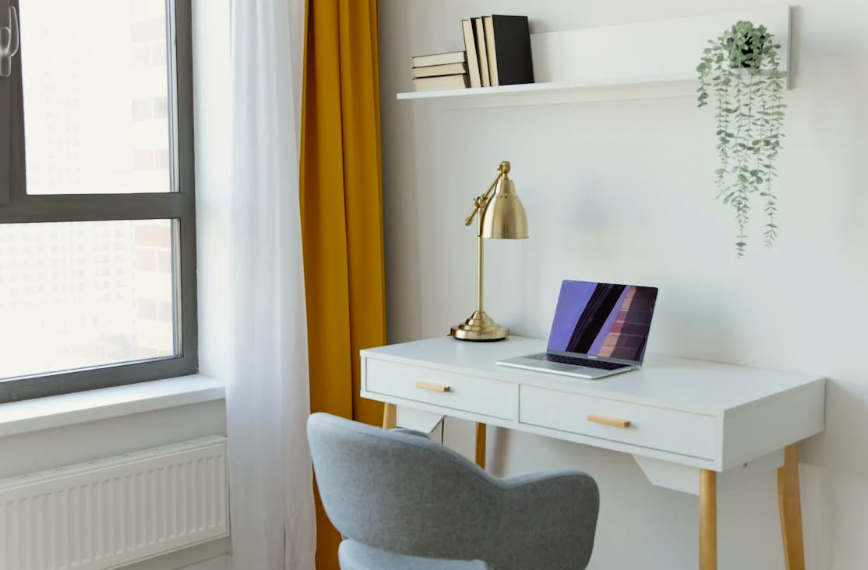
Improving desk height does not necessarily require a complicated setup. Small adjustments can make a noticeable difference.
First, check the height of your chair. Often, adjusting the chair is the easiest way to correct typing posture. When seated, your feet should rest flat on the floor while your elbows remain level with or slightly above the keyboard.
If the desk is still too high after adjusting the chair, a keyboard tray or adjustable desk may help bring the keyboard to a more comfortable level.
Another important factor is wrist positioning. Wrists should remain straight rather than bent upward or downward. This neutral position allows fingers to move quickly and accurately across the keyboard.
Lighting and screen placement also influence posture. When screens are positioned too low, users tend to lean forward while typing. Raising the screen to eye level helps maintain better alignment between the head, neck, and shoulders.
Typing practice itself also benefits from a well-designed workspace. When the environment supports good posture, learners can focus fully on improving technique.
Practicing typing accuracy exercises becomes more effective because fewer physical obstacles interfere with finger movement.
Healthy work habits also contribute to ergonomic typing. Taking short breaks, stretching hands and shoulders, and adjusting posture throughout the day can prevent fatigue during longer sessions.
Developing healthy screen habits helps learners balance productivity with physical comfort while working in digital environments.
Ultimately, improving typing performance is not only about practice—it’s also about environment.
When desk height, chair position, and screen placement work together, the body can move naturally and efficiently. This reduces tension, supports accurate finger movements, and allows learners to focus fully on developing their typing skills.
Over time, these small ergonomic adjustments can make a big difference. Faster typing, fewer errors, and greater comfort all begin with a workspace designed to support the way your body works best.
Not on Typesy Yet? You're Missing Out!
Master typing, boost productivity, and enhance digital literacy with Typesy—the leading platform for adaptive and engaging typing education. Whether you're an individual learner, a homeschool educator, or managing a classroom, Typesy has the perfect solution for you!
Choose Your Ideal Experience:
 Get Started with Typesy Today! – Transform the way you learn and teach typing!
