
Schools today use more digital tools than ever, which makes online safety a top priority. To protect students, the U.S. requires that all schools receiving E-rate funding comply with the Children’s Internet Protection Act (CIPA). This law makes sure minors are shielded from harmful online content and unsafe online interactions.
Because of this, schools need learning tools that are safe, secure, and designed with protection in mind.
Typesy is one of those tools. The program was built to match the standards of CIPA, offering a safe space where students can learn without exposure to risky websites, ads, or outside communication. Everything inside Typesy is controlled, educational, and age-appropriate—making it a strong fit for CIPA-compliant classrooms.
How Typesy Supports CIPA Compliance
CIPA has three main requirements. Here’s how Typesy helps schools meet each one.
1. Safe Internet Use Policies Supported by a Fully Controlled Platform
CIPA requires schools to have rules that protect students from harmful content and unsafe online communication.
Typesy helps support these rules by offering:
- A fully closed learning environment
Students cannot click links that lead outside Typesy.
There is no open web browsing.
All content stays inside the program.
- No chatting or messaging
Students cannot message each other or strangers.
There are no chat rooms, social feeds, or comment sections.
- Protection of student identity
Schools can set up nickname-only accounts, so no personal information is required.
These features support the safety rules schools already put in place and help keep students protected while they work in Typesy.
2. Nothing Harmful to Block — Typesy Contains Only Safe, Clean Content
One of CIPA’s requirements is that schools must block access to harmful websites.
Typesy makes this easy because:
- There is no outside content at all
No external links
No random videos
No web searches
No user uploads
- No ads or pop-ups
Students will never see advertisements or outside graphic content.
- Every lesson is approved and appropriate.
All materials in Typesy are created by the company and reviewed for safety.
Students never see anything inappropriate or unfiltered.
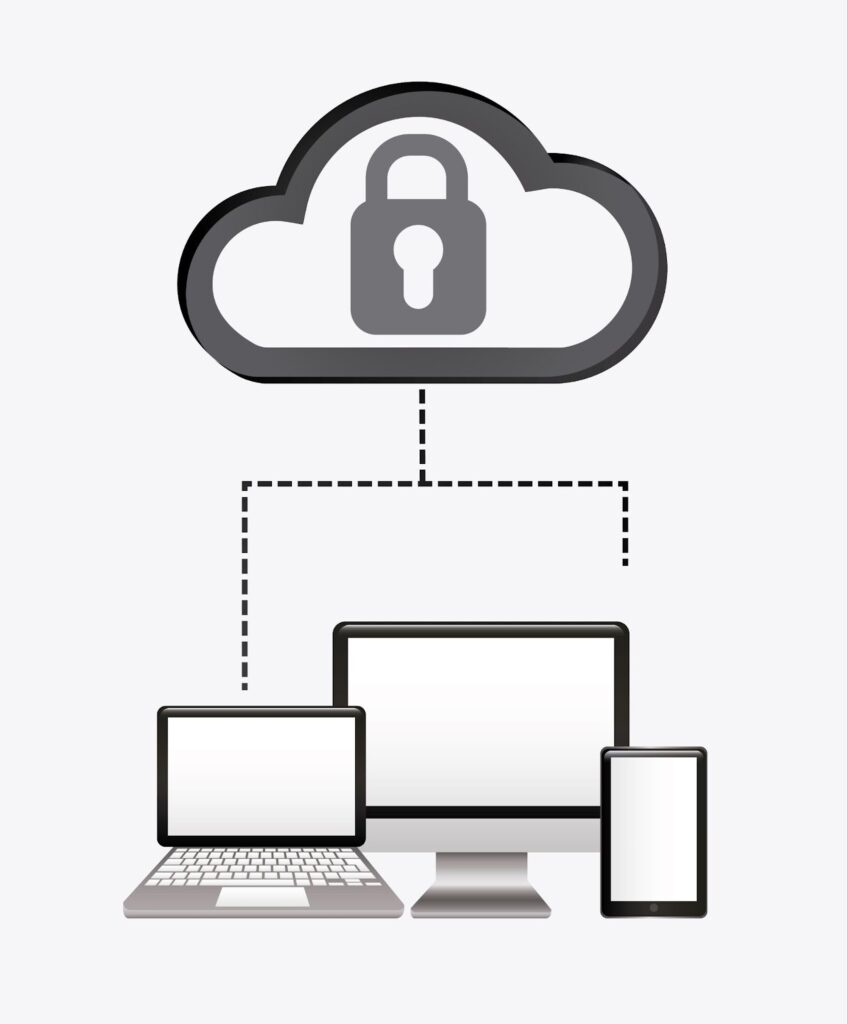
Because of this, Typesy automatically fits into a CIPA-safe environment—there is nothing unsafe in the platform to begin with.
3. Tools That Help Teachers Monitor Student Work and Teach Safe Online Behavior
CIPA also requires schools to monitor what students do online and teach them how to behave safely.
Typesy helps schools with this through:
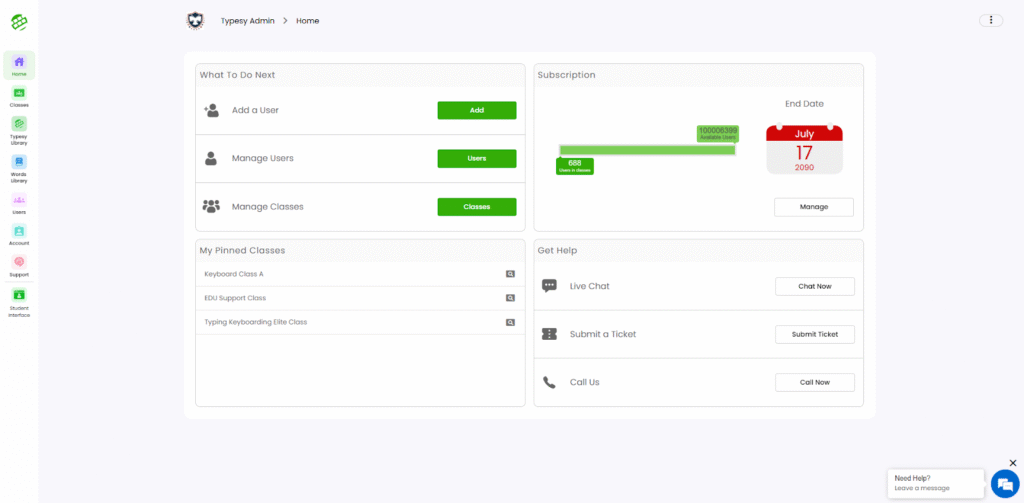
- Built-in teacher dashboards
Teachers can see what students are doing, how long they spend on lessons, and what activities they complete.
- Clear reports
Schools can track progress, time spent, and student activity.
- Lessons that support responsible digital habits
While Typesy focuses on typing, it also teaches essential computer skills that help students use technology responsibly.
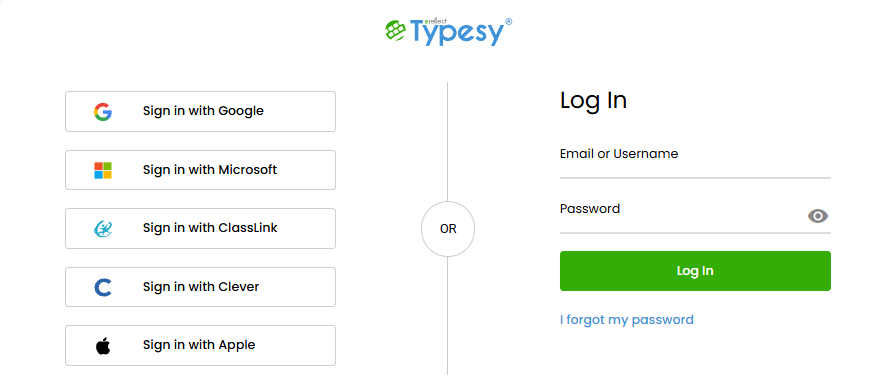
- Safe login options
Students can log in through school systems like Clever, ClassLink, Google, or with standard passwords.
These features help teachers monitor student activity and support the school’s digital safety program.
Why Schools Trust Typesy for Safe Online Learning
Typesy was designed with student protection in mind. Schools choose Typesy because it offers:
- A safe, closed learning space
- No ads or outside content
- No messages or chats
- No data selling or sharing
- Optional nickname-only student accounts
- Easy teacher monitoring
- Content that is always appropriate for students
Conclusion
CIPA compliance is essential for today’s digital classrooms. With its safe design, clean content, and teacher-monitoring tools, Typesy fully supports CIPA goals and helps schools keep students protected online.
Schools can feel confident knowing their students are learning in a secure and supportive environment.