
Typesy is an active, growing project. We have a team of engineers, teachers, curriculum experts, psychologists, and user interface designers committed to improving the product. Here are the latest updates:
What’s New?
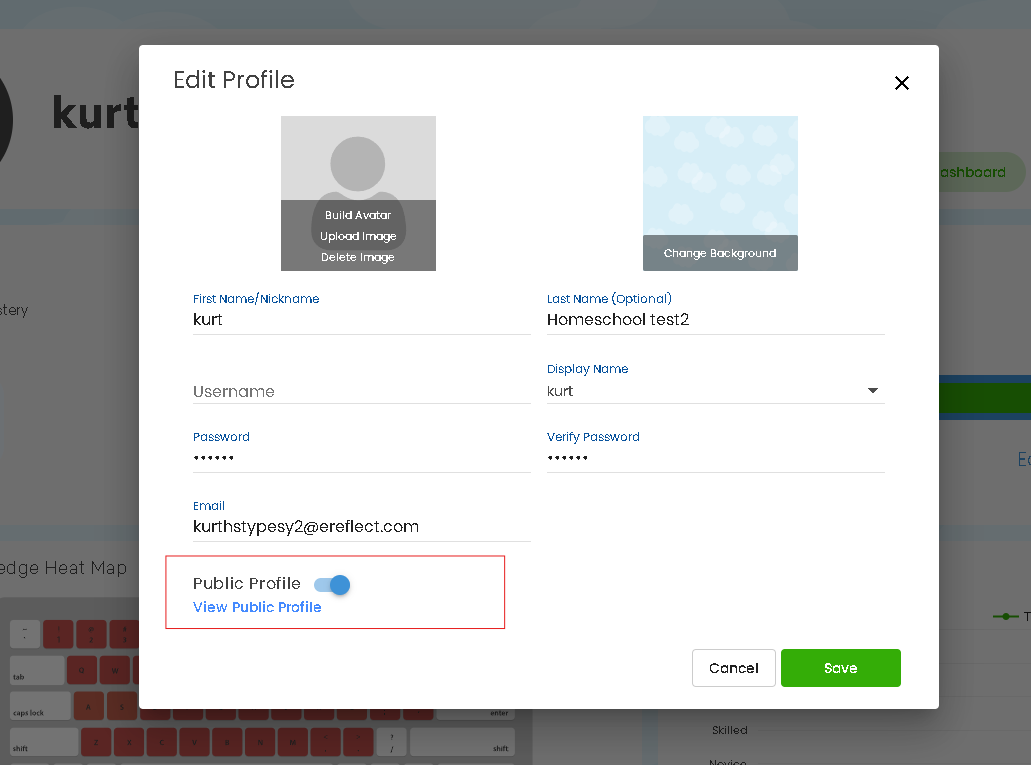
Removed Public Profile
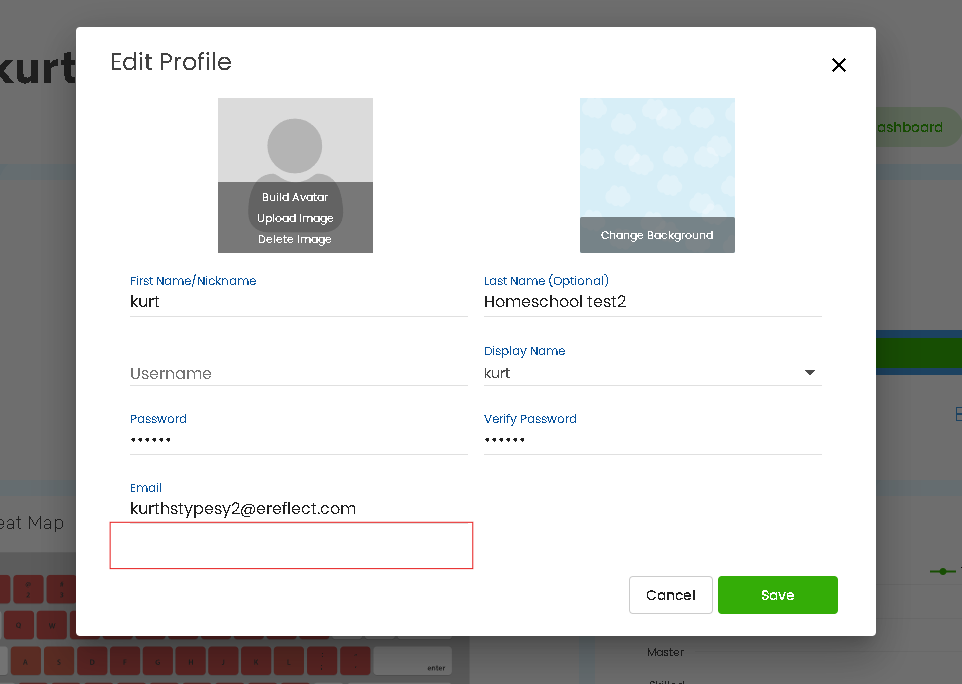
To strengthen privacy for users, Typesy has removed the public profile feature for all school and Homeschool accounts. This update applies to both teacher and student users under these plans.
- The toggle to enable public profiles has been removed from the “Edit Profile” section.
- VIP and free plan users are not affected and will continue to have access to the public profile and sharing features.
Before:
Current:
The Admin Class and Individual settings for Public Profile have been removed to simplify account management and ensure a consistent, secure experience across all Schools and Homeschool users.
Before:
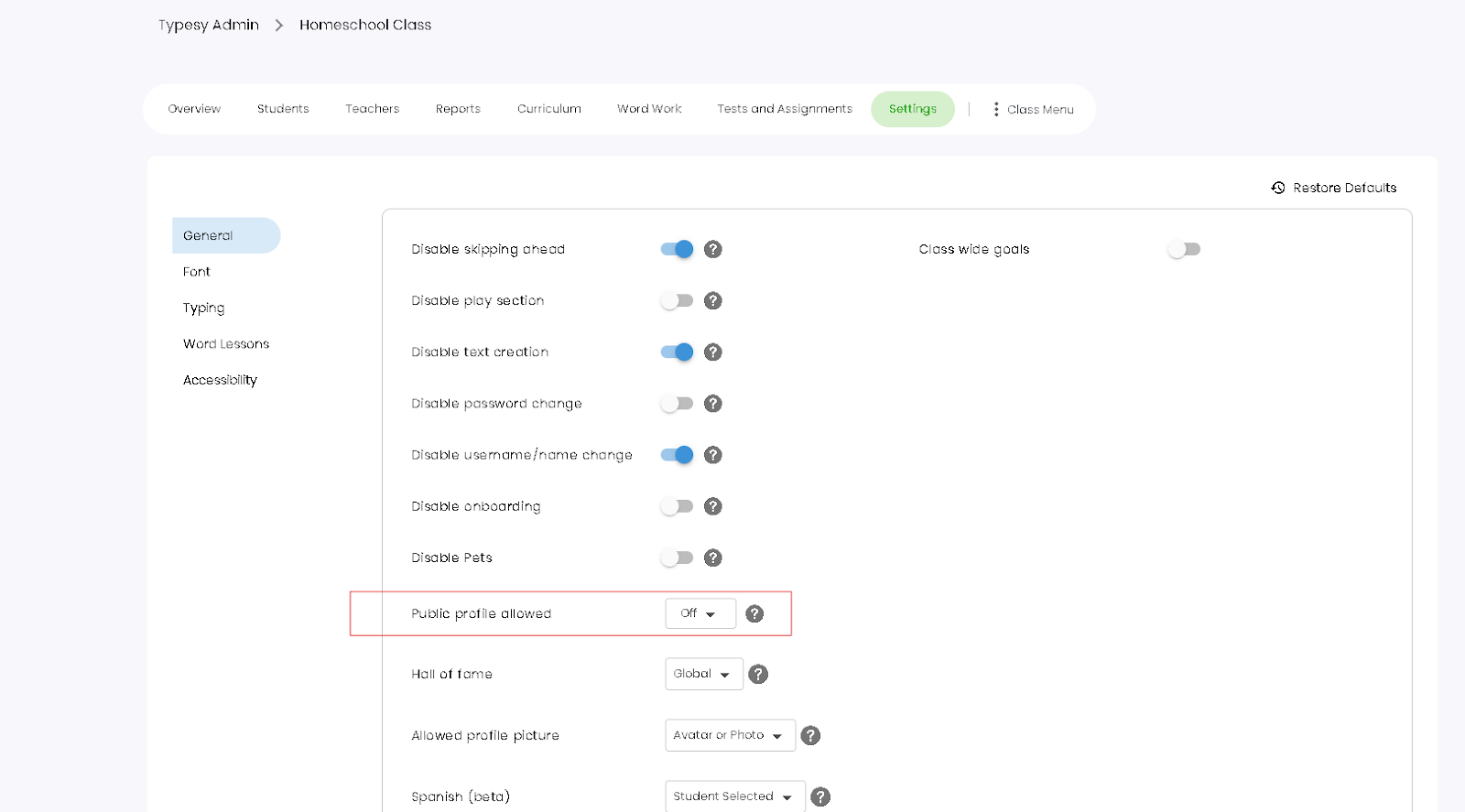
Current:

This feature applies to Typesy for Schools and Homeschool accounts only.
Sharing Options Removed
The sharing option has been removed from the profile section, including social media and copy link features, to prevent public exposure of user activity and support stricter privacy controls for students and educators.
Before:
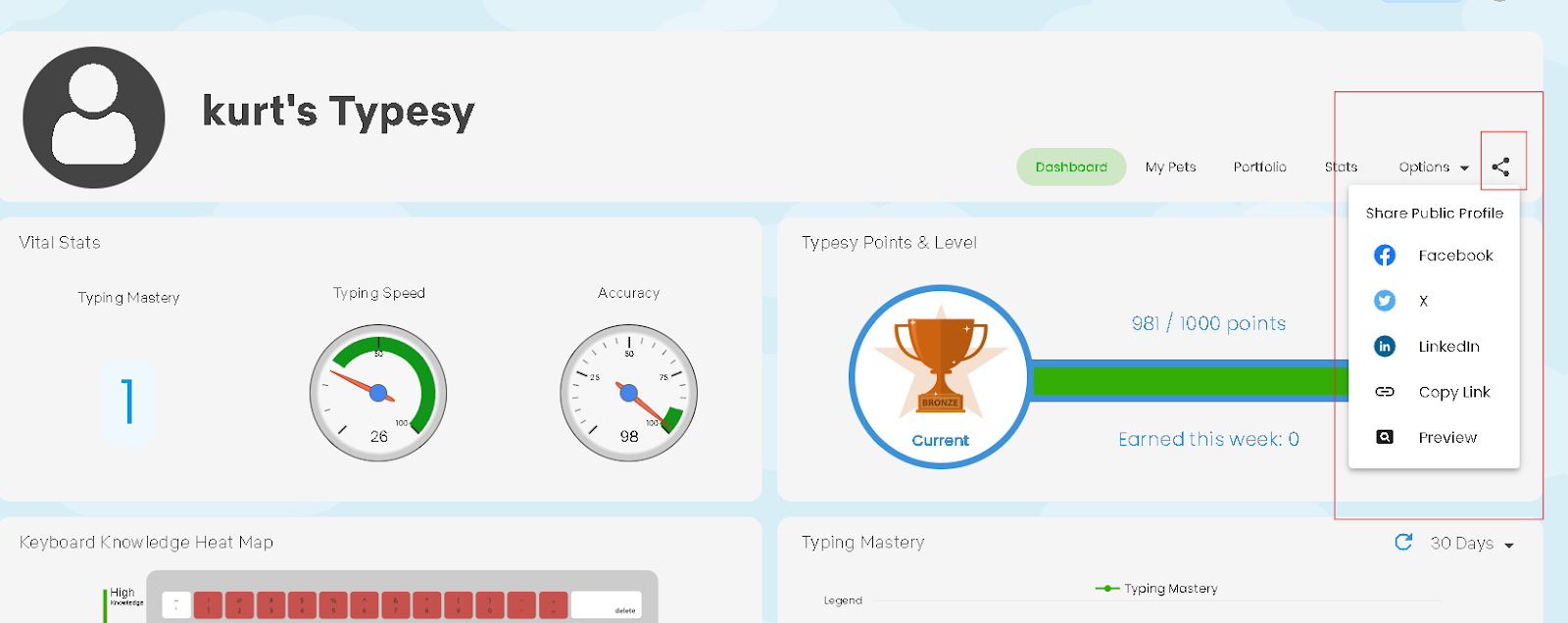
Current:
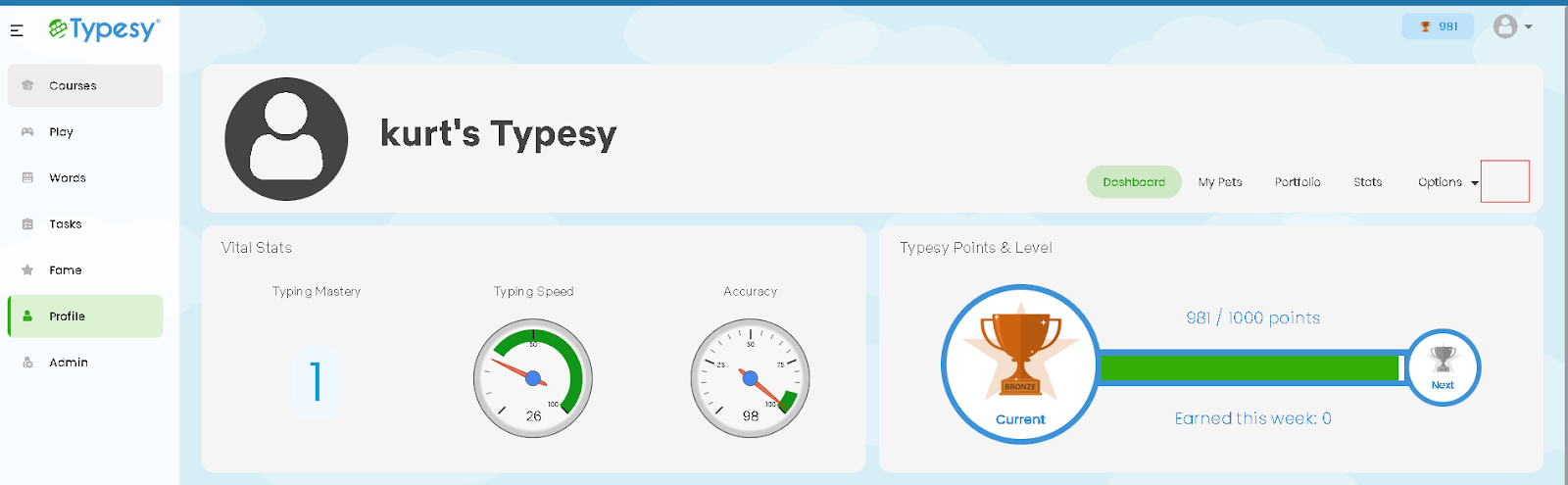
This feature applies to Typesy for Schools and Homeschool accounts only.
School-Based Hall of Fame
An additional School filter has been added to the Hall of Fame feature for Schools Admin accounts.
- This option is available only to Schools Admin users.
- It allows admins to view top-performing students within their own school, making recognition more personalized and relevant.
This update makes it easier for schools to celebrate student achievement at a local level.\
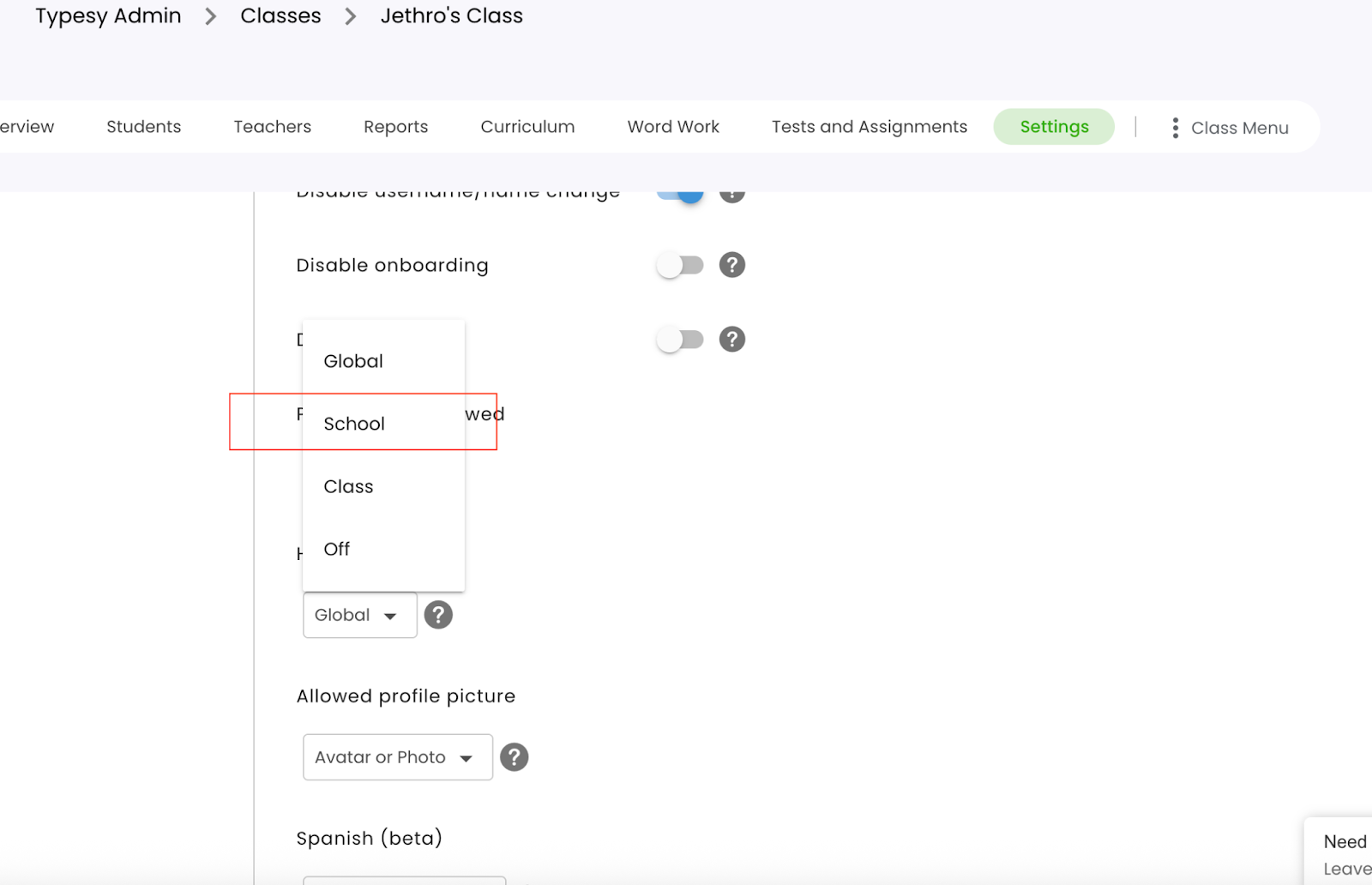
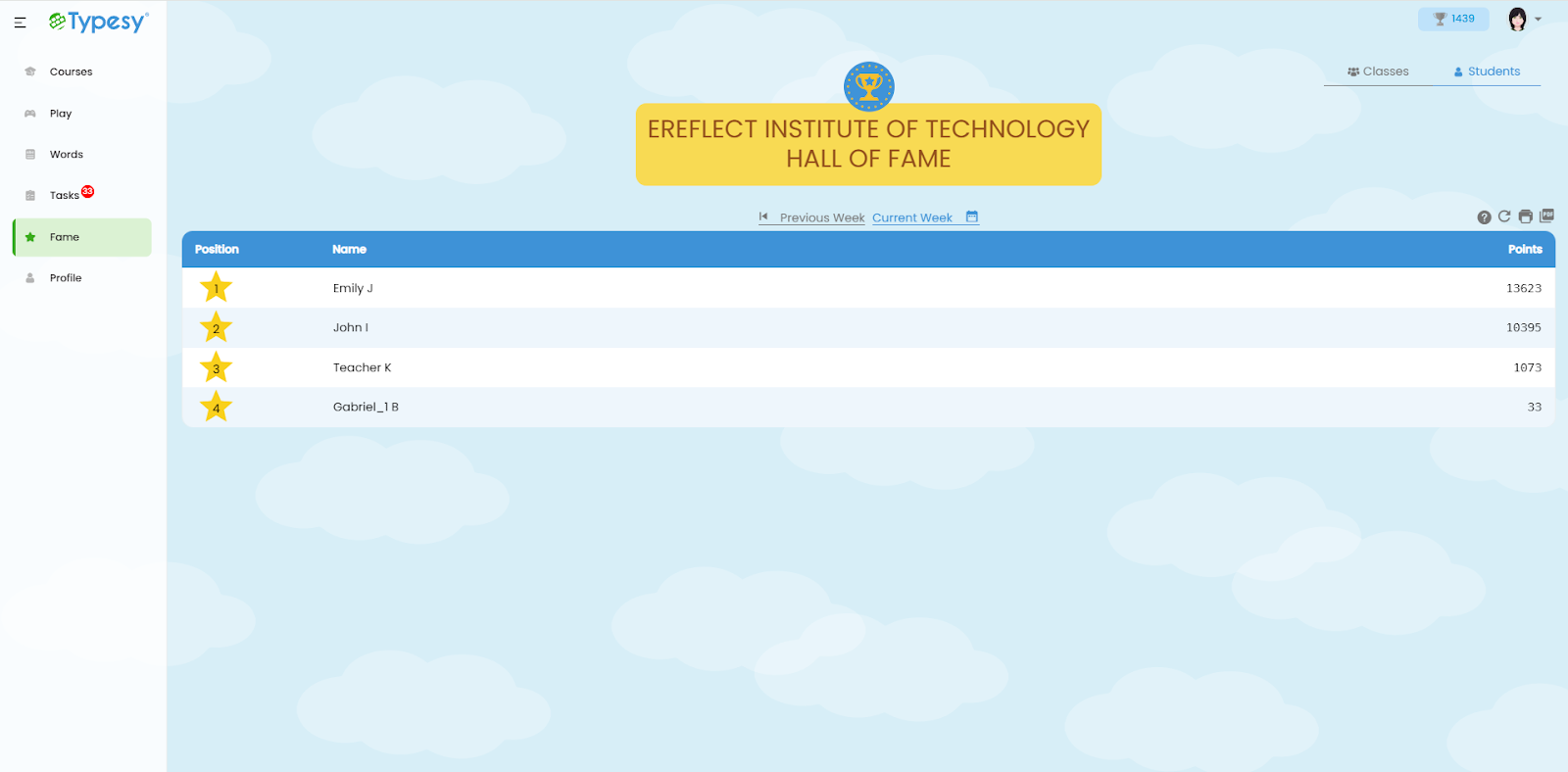
- New Design for School Hall of Fame Leaderboard
When the Hall of Fame setting is set to “School,” a new leaderboard design is now displayed.
- For views other than School (such as Global, Class, or Off), a banner will appear below to indicate that the School-specific leaderboard design is not in use.
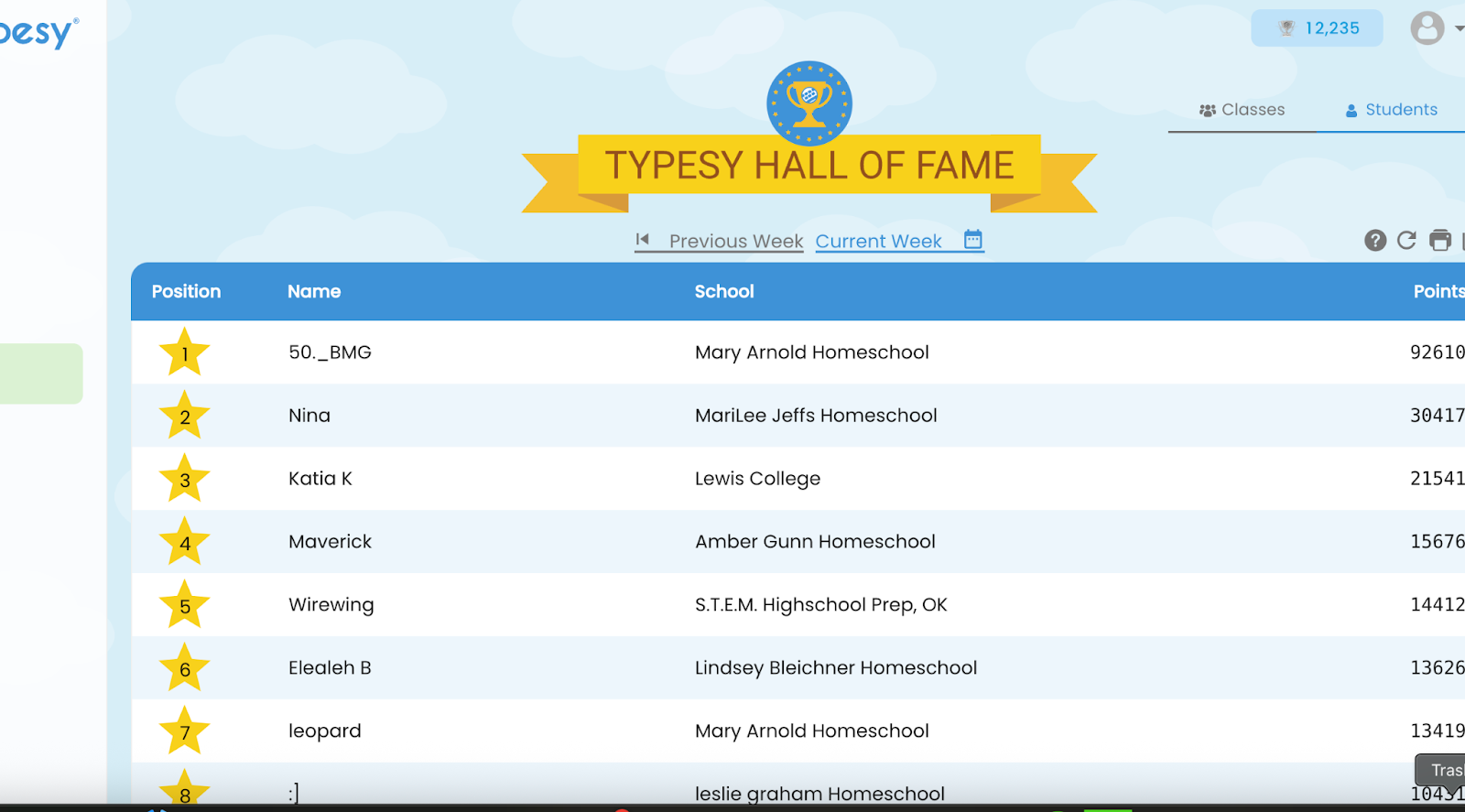
This feature applies to Typesy for Schools accounts only.
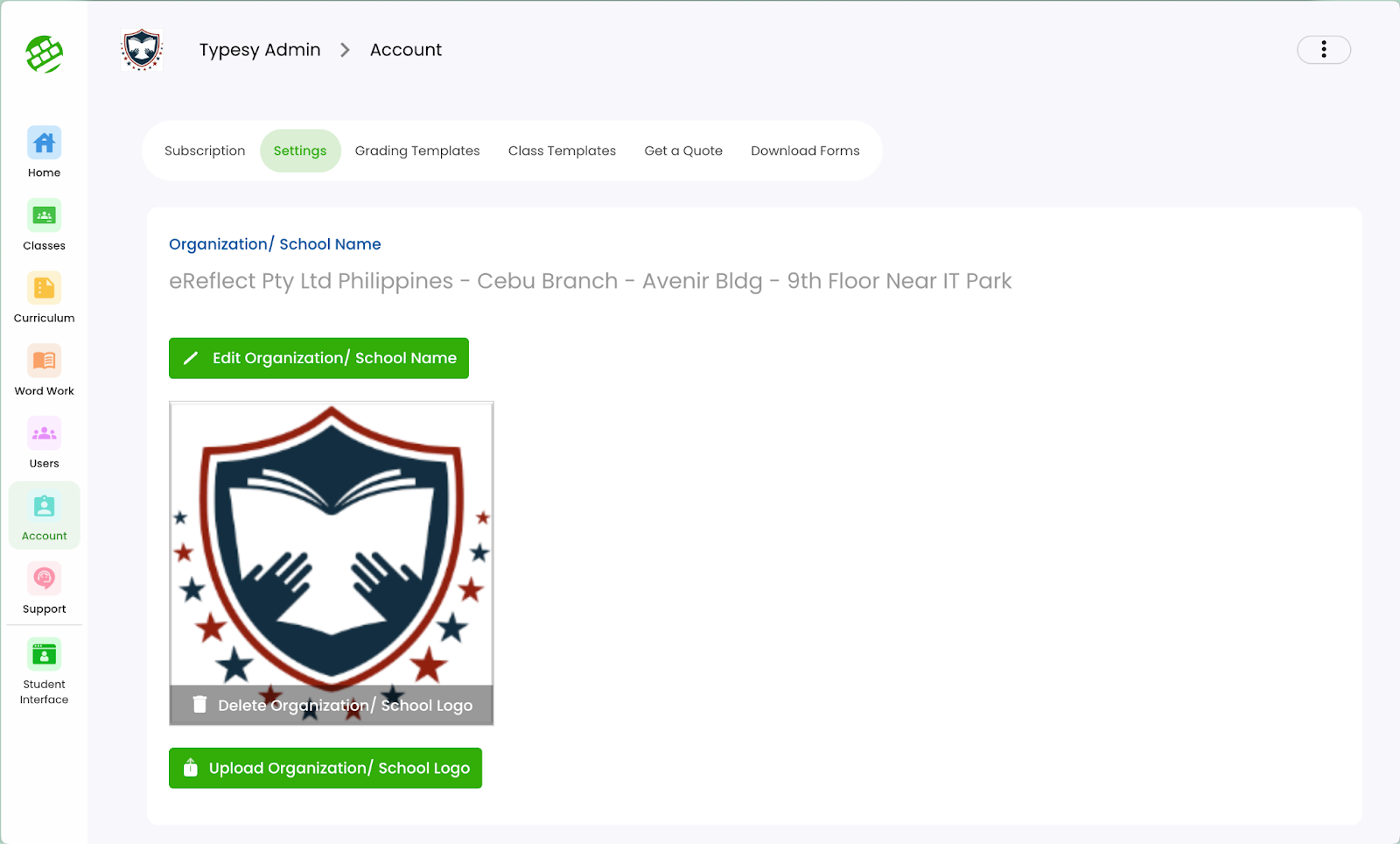
British Spelling Mapping (Typesy)
A new setting has been added for school admin accounts to support regional spelling preferences.
- When enabled, all American spellings in typing activity texts are automatically converted to their British equivalents.
- This setting is available only to school admin users and can be toggled on or off as needed.
This feature supports spelling consistency in schools that follow British English standards.
Before:
Current:

This feature applies to Typesy for Schools and Homeschool accounts only.
Immersive Reader Integration
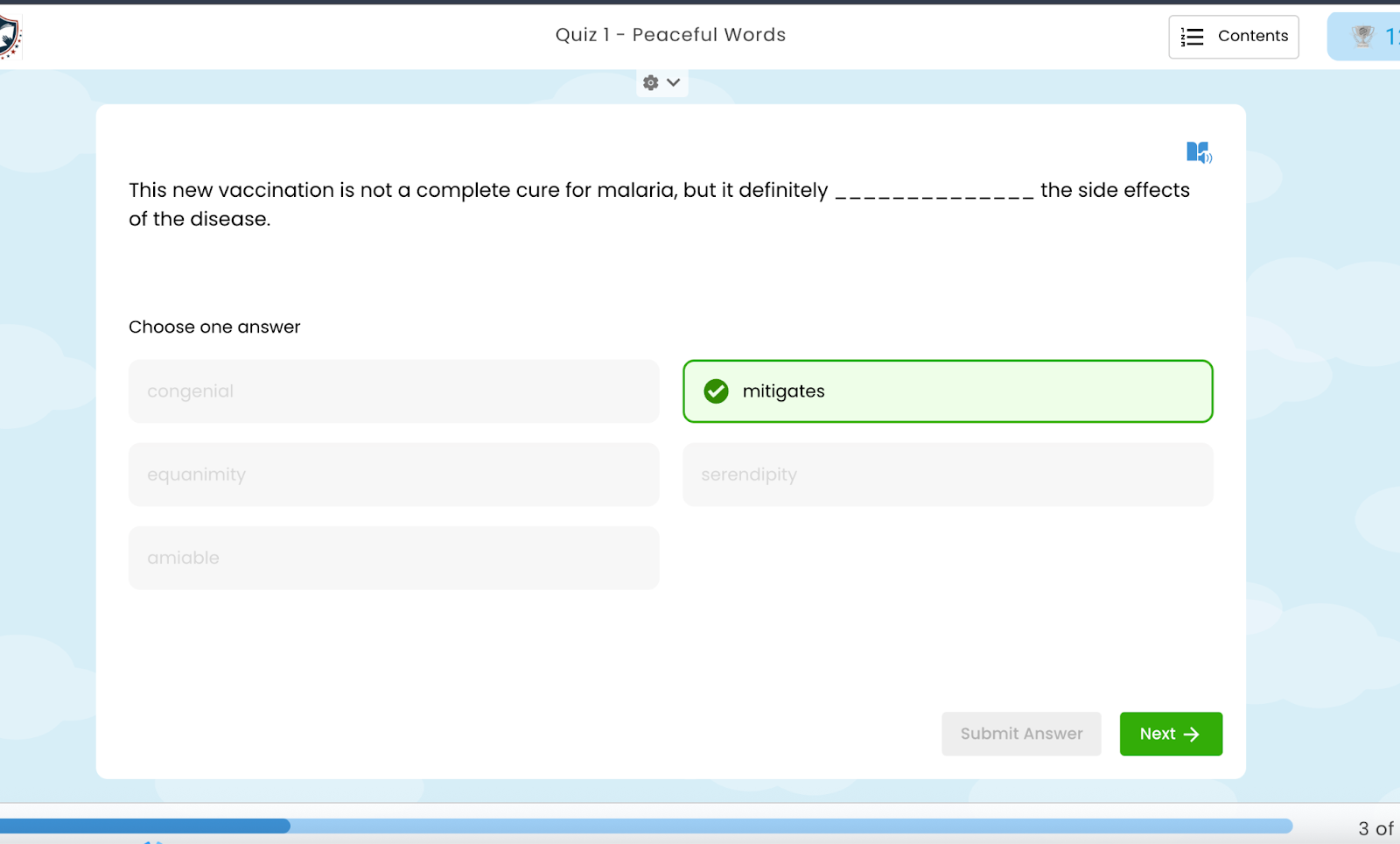
Immersive Reader has been integrated into Multiple Choice Questions (MCQs) to enhance accessibility and comprehension.
Before:
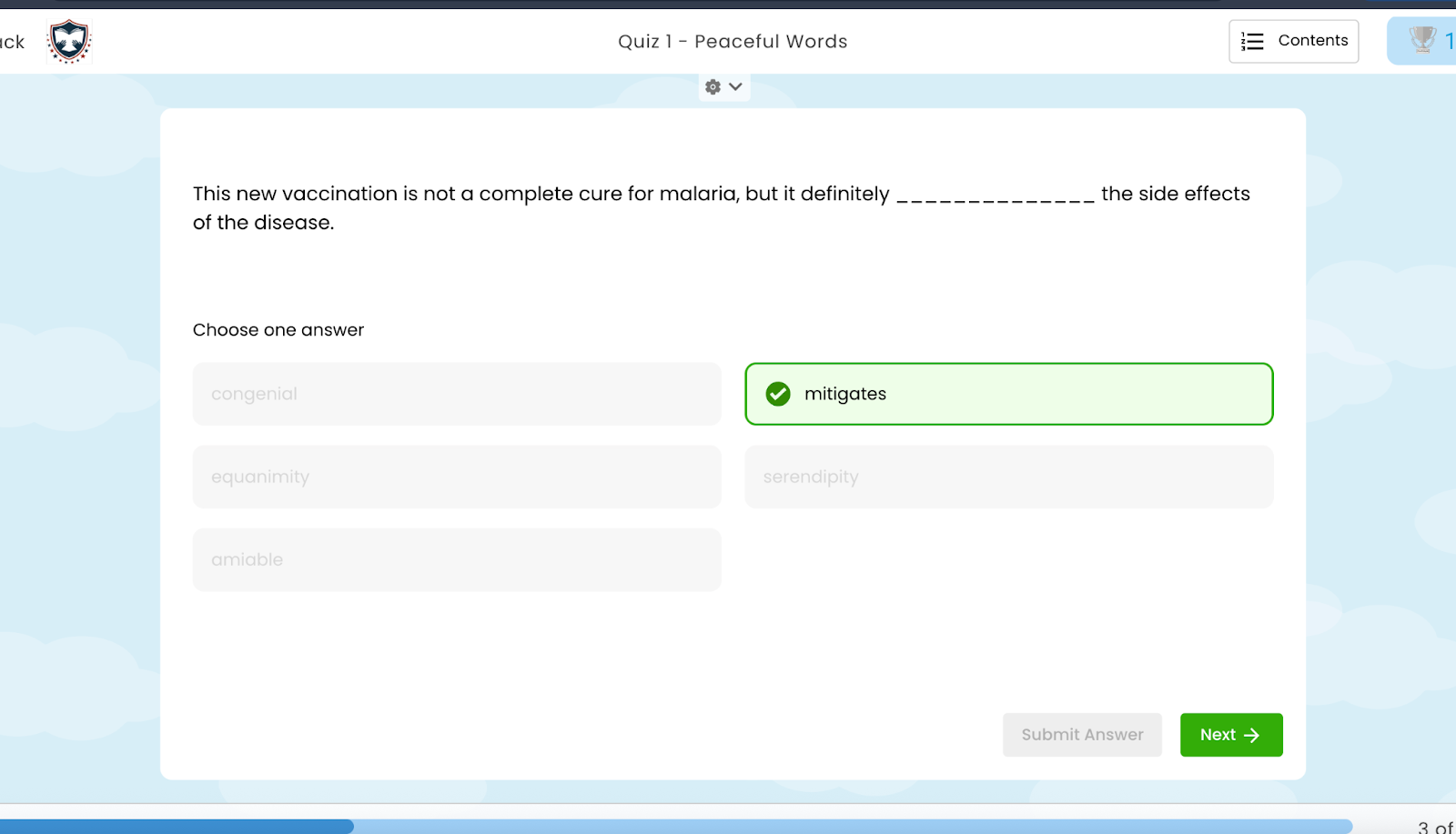
After:
After: A blue icon now appears in the upper-right corner of the activity card. Clicking this icon opens the Immersive Reader, which displays a text-based version of the question and answer choices for easier reading and accessibility.
This feature applies to all versions of Typesy.
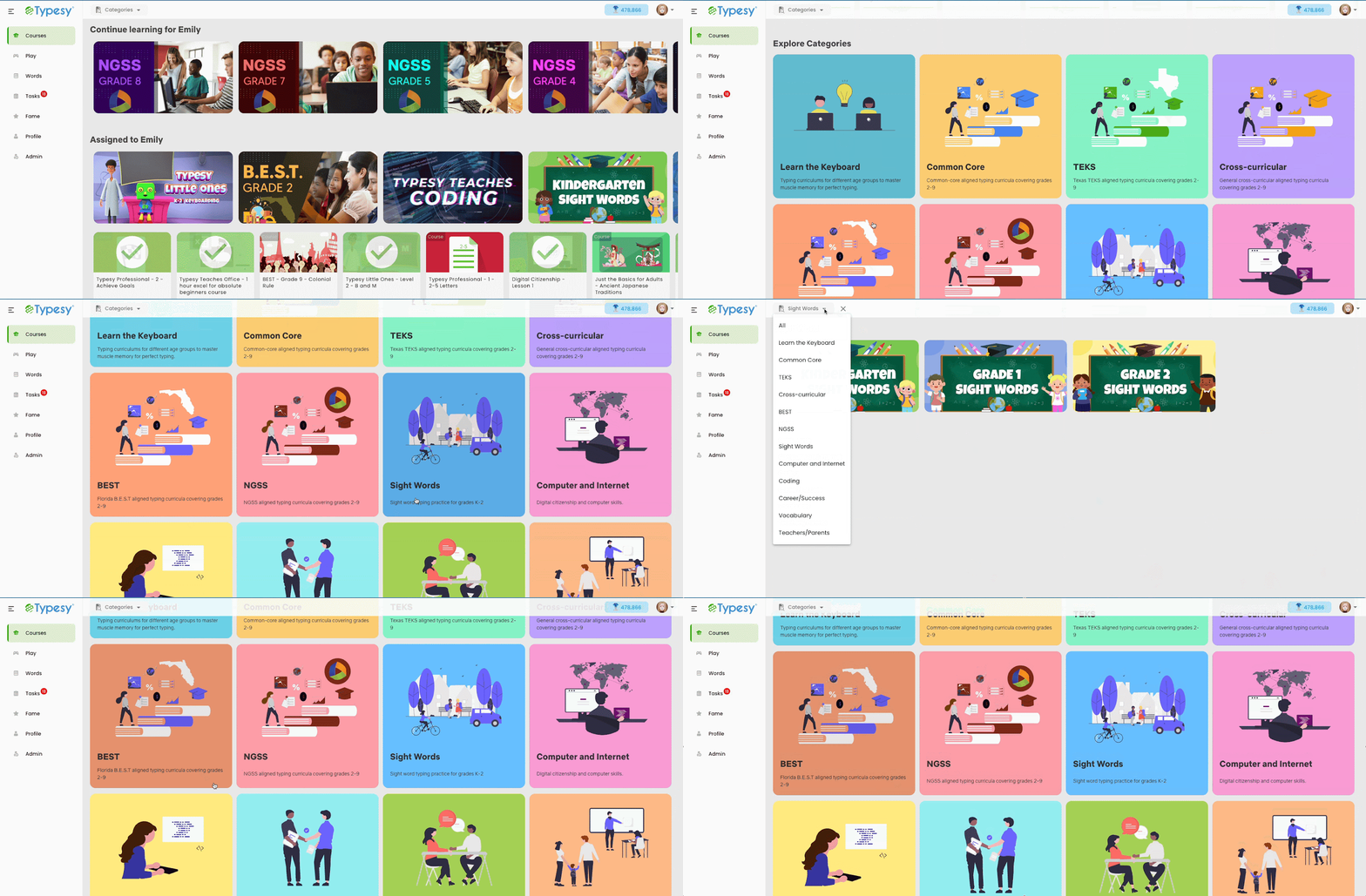
Subject Cards – New Design for Curriculum Categories
A new design has been implemented for the curriculum category cards in Typesy to improve visual clarity and navigation.
Before:
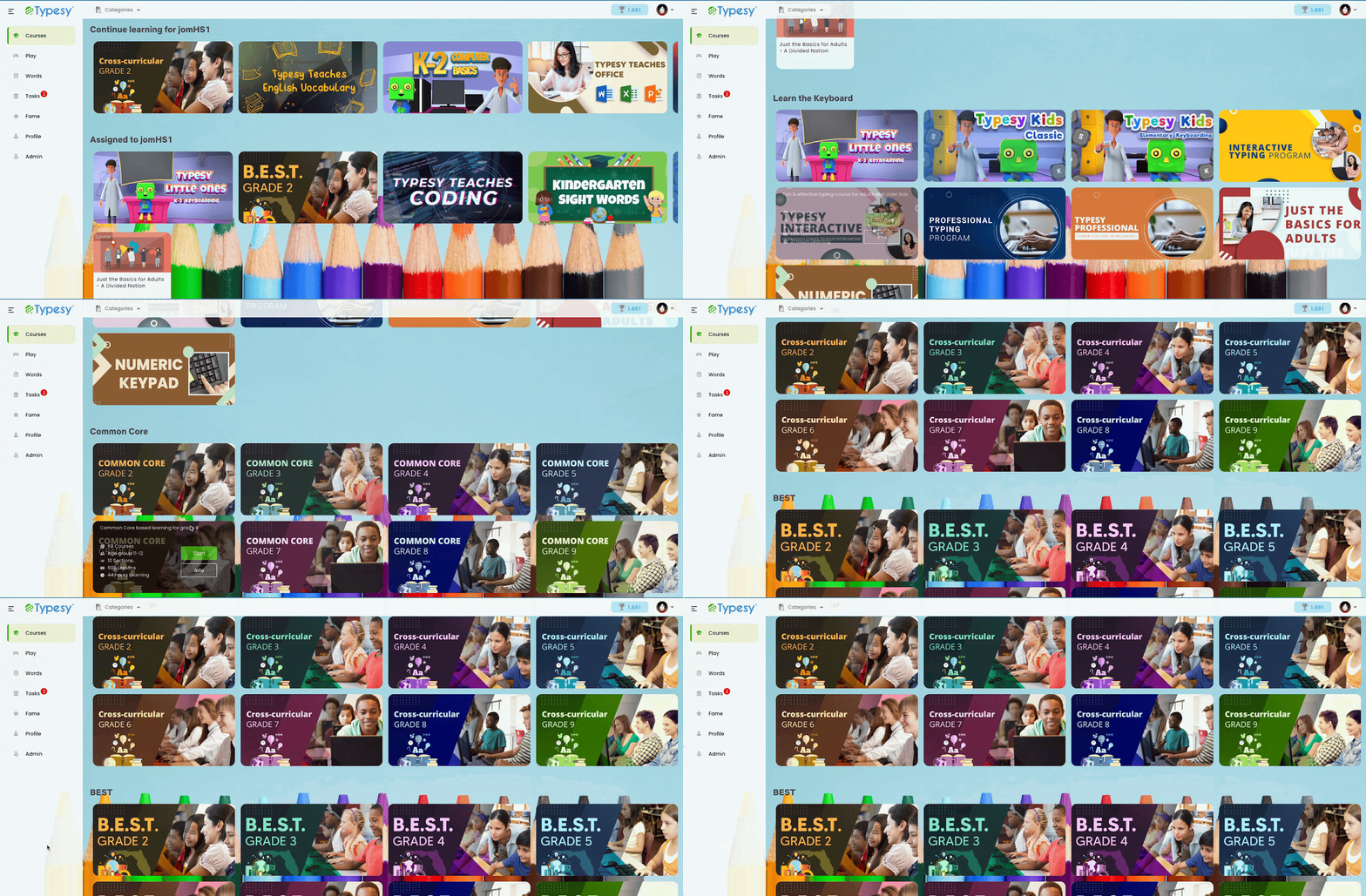
Current:
Looking Ahead
With each update, Typesy continues to grow into a more powerful, intuitive, and learner-centered platform. The August 2025 improvements—from strengthened privacy settings and immersive reading support to redesigned leaderboards and cleaner navigation—were built to enhance both teaching and learning experiences across environments. Whether it’s simplifying classroom management or improving accessibility, every change is focused on building a smarter, safer, and more engaging educational journey.
More enhancements are already on the way as feedback is gathered and applied to shape the future of digital learning. Until then, explore the newest updates, make the most of the improved features, and keep unlocking potential—one lesson at a time.