
Technology has become a central part of modern education. Students use computers for research, writing, presentations, online activities, and collaboration. While digital tools create exciting learning opportunities, they also make it more important than ever to teach students how to use devices comfortably and effectively.
One key part of building healthier computer habits is classroom typing instruction. Typing is not only about speed—it is about developing proper techniques that help students work efficiently while maintaining comfort. By learning how to type correctly, students can improve their digital skills while creating habits that support long-term wellness.
Ergonomics plays an important role in digital learning because the way students interact with technology affects their overall experience. Proper posture, keyboard placement, screen positioning, and typing techniques all contribute to a healthier relationship with devices.
Why Typing Technique Matters for Students
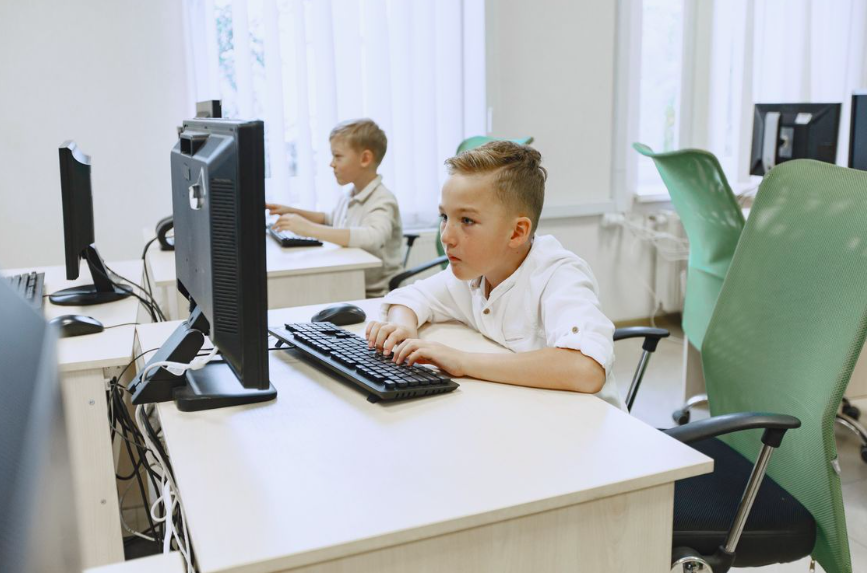
Many students spend hours each day completing assignments, communicating online, and using educational platforms. Without proper instruction, they may develop habits that lead to discomfort, fatigue, or inefficient workflows.
Classroom typing programs help students learn how to position their hands correctly, use all fingers effectively, and type without constantly looking down at the keyboard. These skills allow students to focus more on their ideas and less on the physical process of typing.
Touch typing encourages smoother movement and better control. Instead of searching for individual keys, students build muscle memory that makes typing feel more natural. This can reduce unnecessary strain and help learners complete digital tasks with greater confidence.
Healthy technology habits also include understanding how to use devices responsibly. Students need guidance on topics beyond typing, such as protecting themselves while navigating online spaces. Digital awareness and physical comfort work together to create a positive learning experience.
Building consistent routines is another important part of classroom success. Students who develop structured habits, including daily routines that support young digital learners, may find it easier to stay focused and organized during technology-based activities.
Modern typing instruction has also become more adaptable. With tools that provide customized practice and feedback, students can learn at their own pace. Options such as personalized typing experiences using AI technology help make lessons more effective for different learning styles.
Master Typing & Digital Skills with Typesy!
Go beyond keyboarding—Typesy helps you boost digital literacy, productivity, and efficiency in today’s tech-driven world.



Creating Comfortable Digital Classrooms
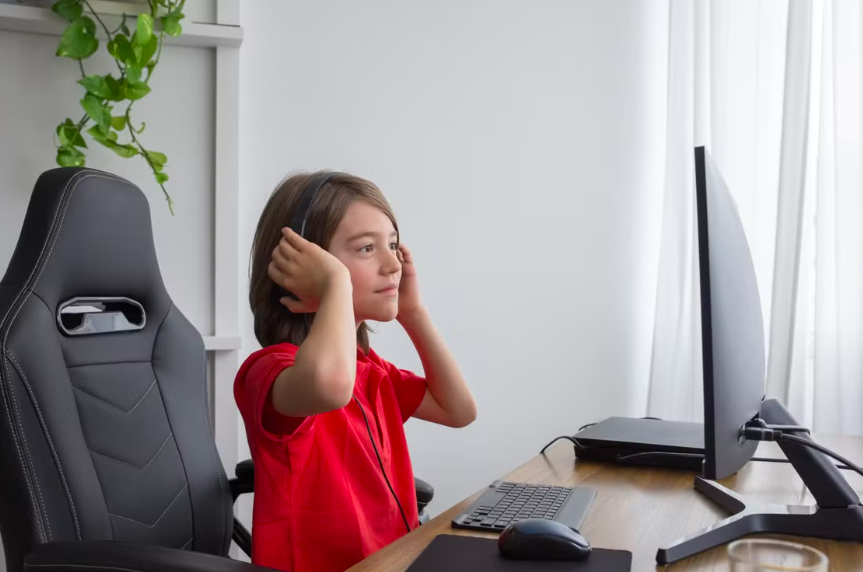
A healthy digital classroom is about more than having computers available. It requires teaching students how to use technology in ways that support focus, productivity, and well-being.
Typing skills contribute to this by helping students complete work more naturally. When students are comfortable with the keyboard, they can spend more energy on creativity, problem-solving, and communication. Learning efficiency tools, including keyboard shortcuts that improve digital workflows, can further support student productivity.
Ergonomic awareness should also be part of everyday technology education. Students benefit from learning how workspace choices affect their comfort. Something as simple as understanding the impact of a chair on posture can help students create healthier habits when working for long periods.
Screen use is another important factor. A well-designed workspace can help students avoid unnecessary strain and maintain better focus. Schools and families can encourage healthier setups by following ideas from screen environments designed for better productivity.
Typing instruction can also connect with hands-on learning opportunities. When students use digital skills for meaningful activities, they understand the value of what they are learning. Classroom projects and practical assignments, like activities that build real-life skills, allow students to apply typing and technology skills in useful ways.
At home, families can continue supporting these habits by creating spaces that encourage learning and comfort. A thoughtful study environment, including a healthier and more inspiring learning area, can make practicing digital skills easier and more enjoyable.
Students can also strengthen their skills through activities outside the classroom. Simple opportunities for creativity and exploration, such as hands-on learning experiences at home, help reinforce confidence with technology.
As education continues to embrace digital tools, typing and ergonomics will remain connected skills. Teaching students how to type properly helps them become more capable technology users while encouraging healthier computer habits.
By including typing instruction in classrooms, educators give students a foundation for lifelong digital success—one that supports productivity, comfort, and confidence in an increasingly digital world.
Not on Typesy Yet? You're Missing Out!
Master typing, boost productivity, and enhance digital literacy with Typesy—the leading platform for adaptive and engaging typing education. Whether you're an individual learner, a homeschool educator, or managing a classroom, Typesy has the perfect solution for you!
Choose Your Ideal Experience:
 Get Started with Typesy Today! – Transform the way you learn and teach typing!
