

Many students assume typing success is all about speed. They focus on increasing words per minute as quickly as possible, often believing faster typing automatically means better typing. However, experienced typists know that rhythm matters just as much as speed.
Typing rhythm refers to the smooth, consistent flow of movement across the keyboard. Instead of rushing unevenly or pressing keys with unnecessary tension, skilled typists develop a steady pace that supports both comfort and accuracy.
This rhythm plays an important role in building long-term typing confidence. Students who type with controlled consistency often make fewer mistakes, experience less frustration, and maintain focus more easily during digital tasks.
Accuracy is especially important because constant corrections interrupt concentration. A student who types rapidly but makes frequent mistakes may lose more time fixing errors than they save by typing quickly. In contrast, a steady rhythm encourages smoother movement and cleaner typing habits over time.
Touch typing naturally supports this process because it trains the hands to move automatically without constantly looking at the keyboard. As muscle memory develops, typing becomes more fluid and mentally effortless.
Digital learning environments make this skill increasingly valuable. Students use typing for essays, online research, communication, note-taking, and creative projects almost every day. Developing a comfortable typing rhythm helps learners work more efficiently without unnecessary mental strain.
Typing also becomes more enjoyable when students feel relaxed instead of pressured to type as fast as possible. Building rhythm first often creates a stronger foundation for future speed improvements.
How Rhythm Improves Accuracy
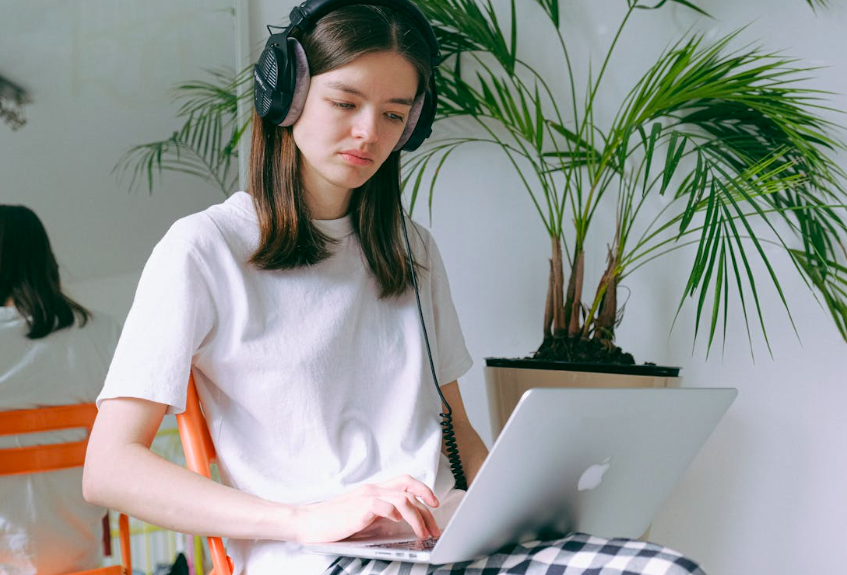
Typing rhythm helps the brain and hands work together more efficiently. When students type with a smooth pace, they are less likely to tense up or panic during longer assignments. This relaxed movement improves coordination and reduces accidental keystrokes.
Many beginners develop poor habits because they focus entirely on speed too early. They may strike keys too forcefully, glance constantly at the keyboard, or type inconsistently in bursts. These habits often lead to fatigue and lower accuracy.
Consistent practice is the key to improving rhythm. Short daily sessions help students build muscle memory gradually while reinforcing proper finger placement and timing. Personalized typing exercises such as AI-supported keyboard training can make practice more adaptive and engaging for different learning styles.
Physical comfort also affects rhythm. Poor posture, wrist strain, or uncomfortable seating can interrupt typing flow and create tension during digital tasks. Learning about healthier ergonomic setups for screen work helps students maintain better posture and smoother hand movement while typing.
A supportive chair matters more than many learners realize. Sitting comfortably allows students to maintain relaxed shoulders and stable arm positioning during long typing sessions. Resources about creating better seating habits for digital learning can improve both comfort and performance.
Typing rhythm also connects closely to concentration. Students who develop smoother keyboard habits often stay focused longer because they experience fewer interruptions caused by errors or awkward hand movement.
Master Typing & Digital Skills with Typesy!
Go beyond keyboarding—Typesy helps you boost digital literacy, productivity, and efficiency in today’s tech-driven world.



Building Better Typing Flow Every Day

Developing typing rhythm takes patience, but small daily habits make a major difference over time. Students do not need marathon practice sessions to improve. In fact, shorter and more consistent practice periods are often more effective.
Starting the day with focused routines can also support better typing performance. Students who build structure into their mornings may feel more prepared and mentally organized before beginning digital tasks. Healthy habits like balanced morning routines for digital learners often improve focus and productivity throughout the day.
Keyboard shortcuts can further strengthen typing flow by reducing interruptions during computer work. Instead of constantly switching between keyboard and mouse, students can navigate tasks more smoothly using efficient commands. Learning time-saving digital shortcuts supports both rhythm and workflow efficiency.
Environment matters too. Lighting, temperature, and workspace organization all influence concentration during typing sessions. Students often perform better in calmer, more comfortable spaces that reduce distractions and physical discomfort. Families may benefit from exploring ideas for creating more comfortable study environments at home.
Typing rhythm also improves through meaningful practice. Creative projects, journaling, research activities, and hands-on assignments encourage students to use keyboarding skills naturally instead of treating typing as isolated drills. Activities inspired by real-world learning experiences at home can make typing feel more purposeful and rewarding.
Students should remember that accuracy is not a limitation on progress. It is the foundation that supports long-term speed and confidence. Smooth, controlled typing creates fewer interruptions, reduces frustration, and helps learners communicate ideas more effectively online.
As digital communication continues growing, touch typing remains one of the most practical skills students can develop. When learners focus on rhythm alongside speed, they build habits that support productivity, comfort, and stronger digital confidence for years to come.
Not on Typesy Yet? You're Missing Out!
Master typing, boost productivity, and enhance digital literacy with Typesy—the leading platform for adaptive and engaging typing education. Whether you're an individual learner, a homeschool educator, or managing a classroom, Typesy has the perfect solution for you!
Choose Your Ideal Experience:
 Get Started with Typesy Today! – Transform the way you learn and teach typing!
