
Typing is an essential skill for students, professionals, and anyone who regularly uses a computer. From writing assignments to sending emails and researching information online, keyboard skills influence how efficiently people complete everyday digital tasks. Yet many beginners develop a habit that can slow them down: constantly looking down to find individual keys.
Touch typing offers a more effective approach. By learning to type without watching the keyboard, learners gradually develop familiarity with key positions and build the coordination needed to enter text more naturally. Although this skill takes practice, its benefits extend beyond typing speed. It can also support concentration, accuracy, and confidence when working with digital tools.
Keep Your Eyes on the Screen, Not the Keys
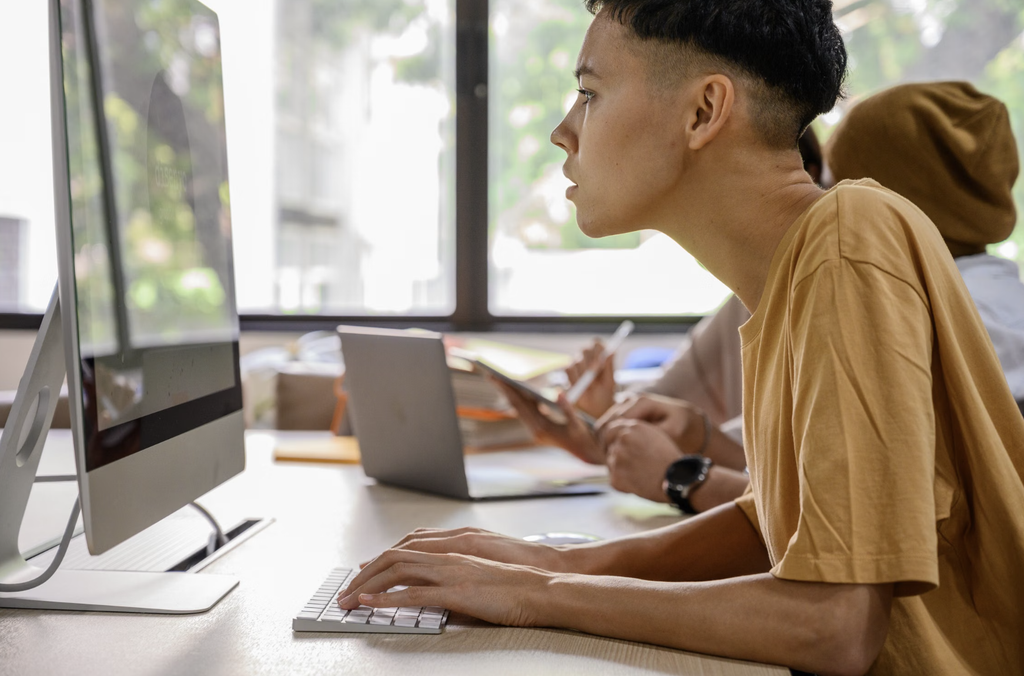
Touch typing involves using the correct fingers for specific keys and developing muscle memory through consistent practice. Instead of searching for each letter visually, typists learn to rely on familiar finger movements. Over time, this reduces the need to look away from the screen while composing text.
One major advantage is improved concentration. When learners repeatedly shift their attention between the keyboard and monitor, they may lose track of a sentence, overlook an error, or interrupt the flow of an idea. Keeping their eyes on the screen makes it easier to follow what they are writing and notice mistakes as they appear.
This can be particularly helpful for students completing essays, taking digital notes, or answering questions during online lessons. Rather than dividing their attention between finding keys and organizing thoughts, they can focus more fully on communicating their ideas.
Touch typing may also improve accuracy over time. Beginners sometimes press the wrong keys because they rush to find letters or rely on inconsistent finger movements. Learning proper finger placement encourages a more systematic approach. As familiarity develops, learners can type with fewer unnecessary movements and become more consistent.
Of course, accuracy does not improve overnight. New typists may initially feel slower when they stop looking at the keyboard. This is a normal part of learning a new technique. Practicing slowly and correctly helps establish reliable habits before increasing speed.
A useful starting point is the home row, where the fingers rest on the middle row of letter keys. From there, learners can practice reaching for nearby keys while returning their fingers to their starting positions. Short exercises repeated regularly are often more manageable than occasional, lengthy practice sessions.
For additional guidance, explore ways to develop stronger keyboard habits for everyday digital tasks. Building consistency is more important than trying to type as quickly as possible from the beginning.
Turn Touch Typing Into a Lasting Skill
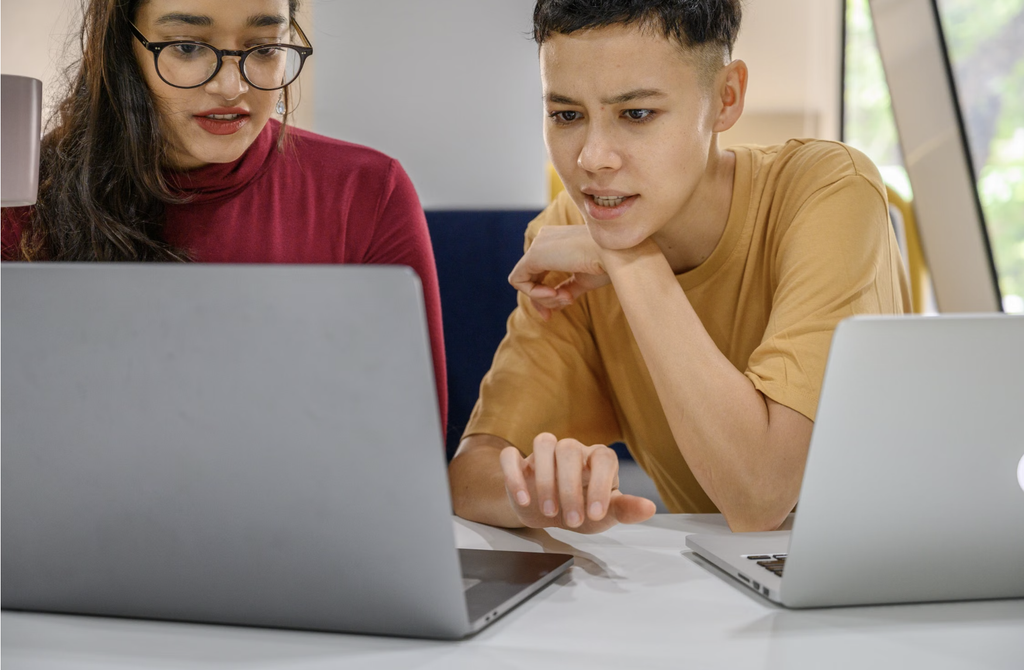
The benefits of touch typing become more noticeable when learners apply the skill to real activities. Typing a paragraph, writing a short story, or recording notes from a lesson gives practice a clear purpose. These tasks also help learners connect keyboard movements with the communication they want to achieve.
Start with manageable goals. A beginner might practice for five to ten minutes daily, focusing on correct finger placement and accuracy. As confidence grows, practice can include longer words, complete sentences, punctuation, and numbers.
It is helpful to track progress without becoming overly concerned about speed. Words per minute can provide one useful measure, but accuracy and comfort matter just as much. Celebrate improvements in consistency, fewer mistakes, and the ability to type for longer periods without repeatedly looking down.
Typing skills are especially valuable as students become more independent digital learners. They may need to draft reports, participate in online discussions, organize research, or communicate with teachers. Developing keyboard confidence that supports lifelong digital learning can make these activities feel more manageable.
Master Typing & Digital Skills with Typesy!
Go beyond keyboarding—Typesy helps you boost digital literacy, productivity, and efficiency in today’s tech-driven world.



Personalized practice can also help learners progress at a comfortable pace. Some may need more time to master frequently used letters, while others are ready to work on punctuation, numbers, or longer passages. Exercises that match a learner’s current ability can provide an appropriate challenge without making practice unnecessarily frustrating.
Learners can also make practice more engaging by typing about subjects they enjoy. A child who loves animals might write a short description of a favorite species, while an older student could summarize an interesting article. These activities build typing skills while encouraging meaningful communication.
To support long-term improvement, it is important to create a comfortable workspace. Keep the keyboard within easy reach, sit with a relaxed posture, and position the screen so it can be viewed without repeatedly bending the neck. Taking short breaks during extended computer use can also help reduce discomfort.
Families and educators should remember that every learner develops at a different pace. Some may become comfortable with touch typing quickly, while others need more repetition. Encouragement and regular practice help learners recognize that progress comes from consistency rather than perfection.
Ultimately, typing without looking at the keyboard is about more than speed. It helps learners maintain focus, develop accuracy, and communicate more comfortably in a digital world. With patient instruction and regular practice, touch typing can become a useful lifelong skill that supports learning, productivity, and confidence.
Not on Typesy Yet? You're Missing Out!
Master typing, boost productivity, and enhance digital literacy with Typesy—the leading platform for adaptive and engaging typing education. Whether you're an individual learner, a homeschool educator, or managing a classroom, Typesy has the perfect solution for you!
Choose Your Ideal Experience:
 Get Started with Typesy Today! – Transform the way you learn and teach typing!