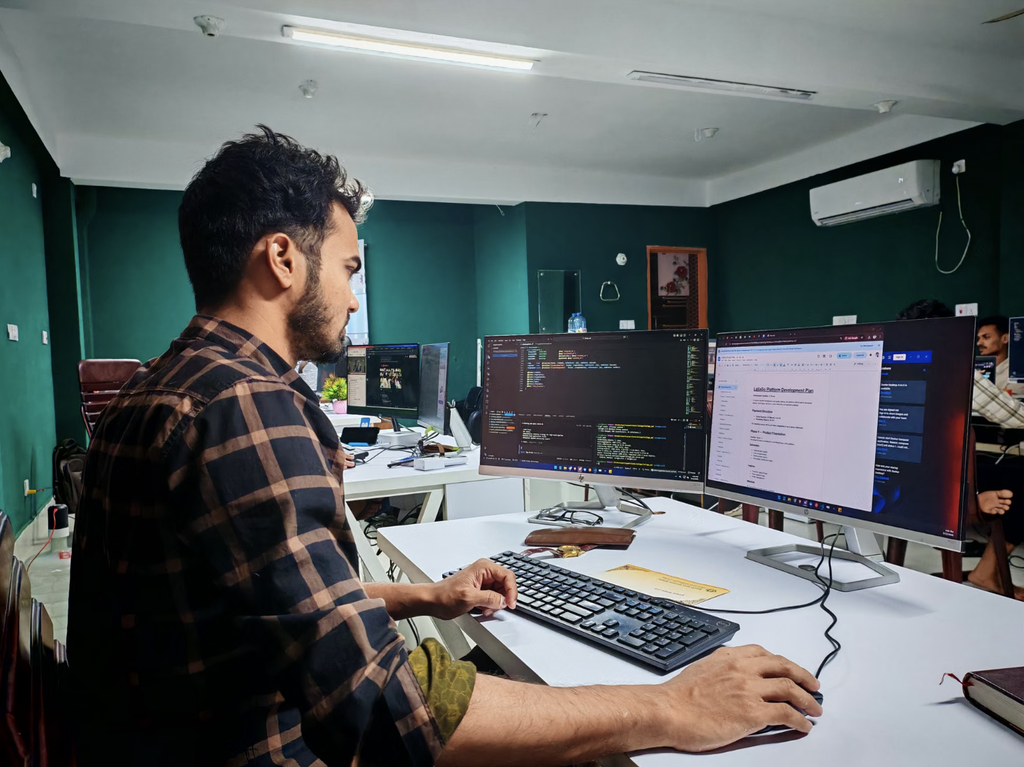
A productive learning environment involves more than books, computers, and reliable internet access. The way a workspace is arranged can influence concentration, comfort, and the ability to absorb new information. Whether students are completing assignments, practicing typing, or attending online classes, their physical surroundings play an important role in how effectively they learn.
Ergonomics focuses on designing workspaces that support people’s needs. For learners, this means creating a setup that encourages healthy posture, reduces unnecessary physical strain, and makes everyday learning activities more comfortable. Small adjustments to a chair, desk, monitor, or keyboard can make a meaningful difference in the overall learning experience.
Why Your Learning Environment Matters
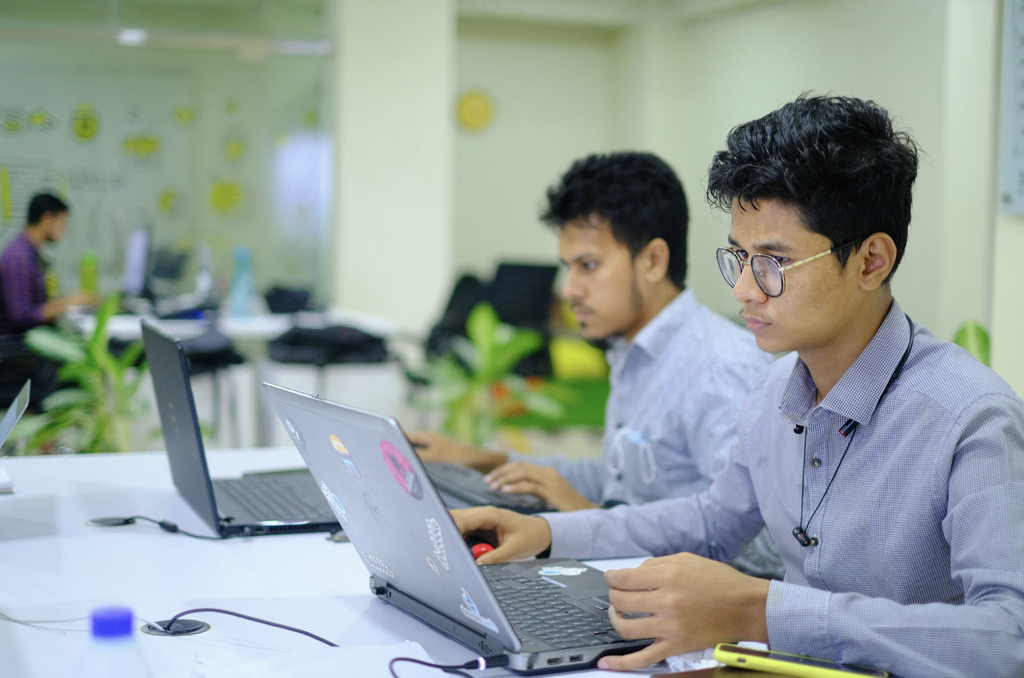
Learning requires sustained attention, mental effort, and regular engagement with information. However, physical discomfort can make these tasks more challenging. A chair that provides insufficient support, a monitor positioned too low, or a keyboard placed at an awkward angle can create distractions that compete with a learner’s attention.
When students repeatedly adjust their seating positions or experience discomfort in their wrists and shoulders, maintaining focus may become more difficult. Although an ergonomic setup cannot guarantee better academic performance, it can help remove avoidable physical barriers to learning.
A comfortable workspace begins with the basics. Ideally, learners should sit with their feet supported, their shoulders relaxed, and their elbows close to their bodies. The monitor should be positioned at a comfortable viewing height and distance, while the keyboard and mouse should be accessible without excessive reaching.
The right arrangement depends on the learner’s height, equipment, and available space. Exploring ways to choose a desk that suits individual needs can help families and educators understand why workspace design should accommodate the person rather than force the person to adapt to an uncomfortable setup.
Lighting also matters. Glare from windows or overhead lights can make screens difficult to read, while insufficient lighting may cause eye strain. Whenever possible, position screens to minimize reflections and use lighting that makes reading and writing comfortable.
Finally, remember that even a well-designed workspace should not encourage learners to remain still for hours. Short breaks, gentle movement, and changes in position can help students manage fatigue during extended study sessions.
Master Typing & Digital Skills with Typesy!
Go beyond keyboarding—Typesy helps you boost digital literacy, productivity, and efficiency in today’s tech-driven world.



Better Ergonomics Supports Better Typing Habits

Typing is a fundamental part of modern learning. Students use keyboards to write essays, research information, communicate with teachers, complete online assessments, and develop digital skills. Because these activities can involve considerable time at a computer, proper ergonomics and healthy typing habits deserve attention.
An appropriate keyboard position allows learners to keep their wrists relatively straight and their shoulders relaxed. The keyboard should be close enough to prevent unnecessary reaching, and students should avoid pressing keys with excessive force. These adjustments can make typing practice more comfortable and encourage better habits over time.
However, posture is only one part of the equation. Learning to touch type can also help students focus more on the content they are producing instead of constantly searching for individual keys. With practice, learners can develop greater familiarity with keyboard layouts, improve accuracy, and gradually build typing fluency.
Educators can reinforce these habits through classroom instruction that combines typing practice with healthier computer use. Demonstrating correct hand placement, explaining comfortable positioning, and reminding students to take breaks can make ergonomics a regular part of digital learning rather than an afterthought.
Typing instruction also deserves a place in broader educational planning. When schools treat keyboarding as a practical digital skill, students have more opportunities to build confidence before assignments become longer and more demanding. Integrating touch typing into digital learning programs can help make keyboard proficiency a consistent part of students’ educational development.
Families and teachers can support these skills by creating manageable practice routines. A learner might spend a short period practicing typing, take a movement break, and then return to a writing assignment. The goal is to establish sustainable habits rather than encourage long sessions without rest.
It is also helpful to personalize the learning experience. Students develop skills at different rates, and a workspace that suits one learner may not work equally well for another. Regularly checking chair height, screen placement, keyboard position, and comfort can help keep the environment appropriate as children grow and their learning needs change.
Ultimately, an effective workspace does not need to be expensive or elaborate. A stable surface, suitable seating, thoughtful screen placement, adequate lighting, and regular breaks can provide a strong foundation. Combined with consistent typing practice and other healthy computer habits, these simple changes can make digital learning more comfortable and accessible.
When learners feel supported by their environment, they can devote more attention to developing knowledge and skills. Creating a workspace that works for the learner is a practical step toward making every study session more productive.
Not on Typesy Yet? You're Missing Out!
Master typing, boost productivity, and enhance digital literacy with Typesy—the leading platform for adaptive and engaging typing education. Whether you're an individual learner, a homeschool educator, or managing a classroom, Typesy has the perfect solution for you!
Choose Your Ideal Experience:
 Get Started with Typesy Today! – Transform the way you learn and teach typing!