
For digital natives, notifications are an ordinary part of everyday life. Messages, app updates, emails, reminders, and alerts can appear throughout the day, often while students are trying to study or complete an assignment. Although each notification may take only a moment to check, repeated interruptions can make it much harder to maintain meaningful concentration.
Managing notifications is therefore more than a device-setting issue. It is a valuable digital learning skill. Students who learn to control when and how technology gets their attention can become more intentional users of their devices.
The goal is not to eliminate every notification. Instead, students can learn to decide which alerts deserve immediate attention and which can wait.
Why Notifications Disrupt Deep Focus
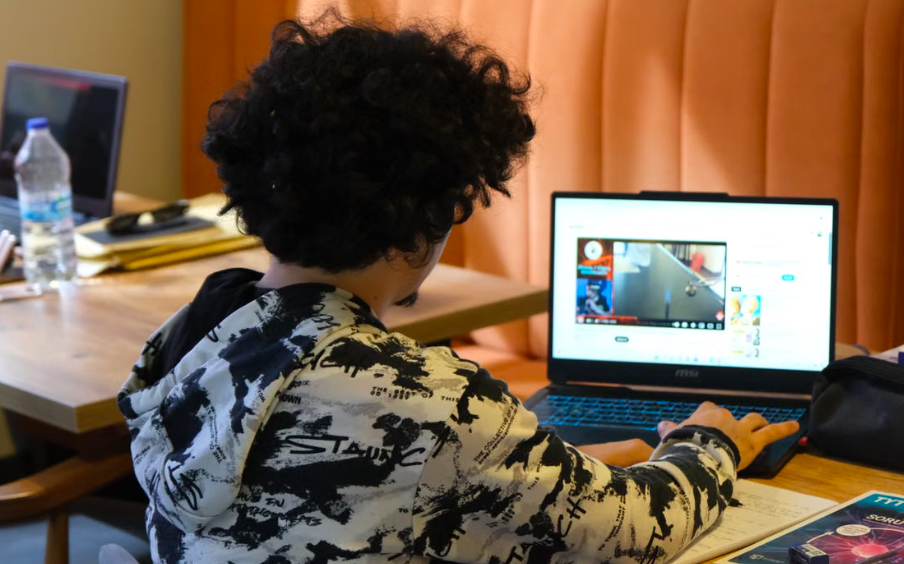
A notification creates a small decision: Should I check this? Even when a student ignores it, part of their attention may shift toward wondering what appeared on the screen.
Imagine a learner working on an essay while a phone repeatedly lights up beside the computer. A message arrives. Then another alert appears. The student may glance at the screen, respond briefly, and return to writing. Each interruption can make it more difficult to regain the same level of concentration.
This matters during activities that require sustained attention, including reading, writing, research, and TYPING practice. When learners are developing keyboard fluency, uninterrupted practice can help them concentrate on accuracy, rhythm, and efficient finger movement. Building stronger typing skills across grade levels can be part of a broader approach to developing confident digital learners.
Students can begin by identifying which notifications are genuinely useful. Calendar reminders, important school messages, or time-sensitive communication may deserve to remain active. Promotional alerts, entertainment updates, and nonessential social notifications can often be muted or disabled.
Another useful strategy is creating dedicated periods for checking messages. Instead of responding every time an alert appears, students can check notifications during planned breaks. This allows them to stay connected without allowing every incoming alert to dictate their attention.
Healthy technology habits should also extend to the physical learning environment. Keeping a phone outside the immediate workspace, turning off unnecessary sounds, and reducing visual distractions can make it easier to stay engaged. Healthy computer habits for classroom learning can reinforce the idea that productive technology use involves both digital and physical choices.
Master Typing & Digital Skills with Typesy!
Go beyond keyboarding—Typesy helps you boost digital literacy, productivity, and efficiency in today’s tech-driven world.



Building Better Digital Attention Habits
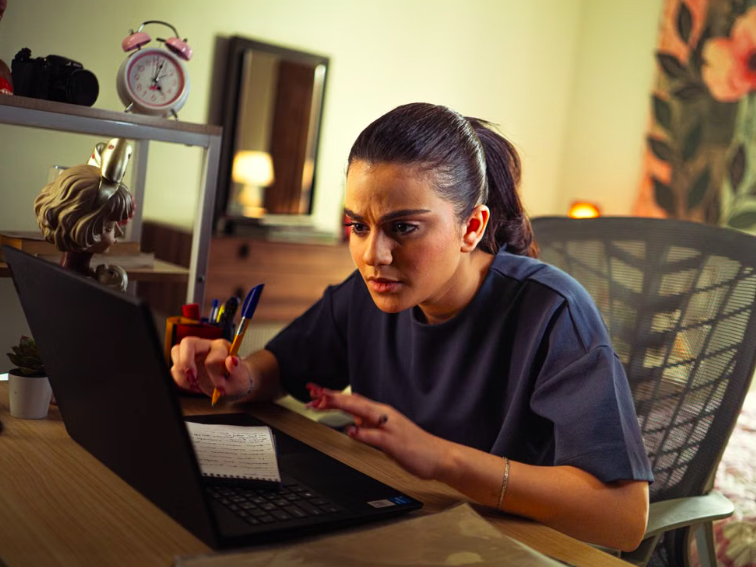
Notification management becomes more effective when students understand why focus matters. Rather than simply telling them to turn their devices off, educators and parents can help them recognize how interruptions affect their ability to learn.
One simple approach is to create a “focus session.” During a short period, students can silence nonessential notifications and concentrate on one specific task. Once the session ends, they can take a break, check important messages, and then decide whether another focus session is needed.
This method works particularly well for digital assignments because it gives students a clear beginning and end. A learner might spend 20 minutes researching a topic, take a short break, and then return to writing. Another student might use a focused session for TYPING practice before applying those skills to a longer writing assignment.
Keyboard efficiency can also reduce unnecessary digital friction. Learning useful shortcuts allows students to complete common computer tasks more efficiently instead of repeatedly switching between menus and windows. Keyboard shortcuts that make computer work more efficient can complement broader efforts to help students work confidently with technology.
The important lesson is that digital devices should serve the learner rather than constantly compete for their attention. Students can decide when they want to communicate, when they want to learn, and when they simply want a break.
Parents and teachers can model this behavior, too. Creating notification-free periods during lessons, meetings, reading time, or family activities demonstrates that being constantly reachable is not the same as being productive.
Over time, these small choices can develop into valuable digital habits. Students learn to recognize distractions, establish boundaries, and protect their attention when a task requires concentration.
Digital natives do not need to avoid technology to become focused learners. They need to understand how technology captures attention and learn practical ways to manage it. By controlling notifications instead of automatically responding to them, students can make more deliberate choices about where their attention goes—and get more from the time they spend learning.
Not on Typesy Yet? You're Missing Out!
Master typing, boost productivity, and enhance digital literacy with Typesy—the leading platform for adaptive and engaging typing education. Whether you're an individual learner, a homeschool educator, or managing a classroom, Typesy has the perfect solution for you!
Choose Your Ideal Experience:
 Get Started with Typesy Today! – Transform the way you learn and teach typing!